
Why Your Printer Keeps Jamming and How To Fix It
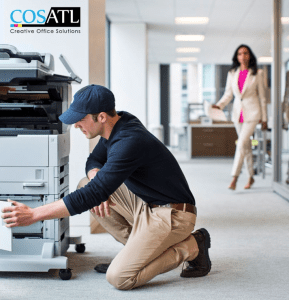
Paper jams. Few things disrupt an office workflow faster than that dreaded blinking red light on the printer. Whether you’re trying to meet a deadline, print a contract, or run off a few invoices, a paper jam always seems to strike at the worst moment.
But what causes these jams, and more importantly, how do you stop them from happening again?
At Creative Office Solutions, we help offices across Georgia keep their printers and copiers running smoothly. In this post, we’ll walk you through the common causes of printer jams, how to fix them, and what to do if your printer keeps acting up.
Common Causes of Printer Jams
1. Poor-Quality or Damaged Paper
Low-grade or wrinkled paper can easily get caught in the printer’s rollers. Even a single folded corner can be enough to cause a jam.
Fix: Always use fresh, high-quality paper appropriate for your device. Store paper in a cool, dry place to prevent humidity from curling the edges.
2. Overloaded Paper Tray
It’s tempting to fill the paper tray to the brim, but this can put too much pressure on the feeder and lead to misfeeds.
Fix: Load only the recommended number of sheets into the tray. Your printer’s manual will indicate the maximum paper capacity.
3. Incorrect Paper Settings
If your print settings don’t match the type or size of paper in the tray, the printer may struggle to pick up or feed it properly.
Fix: Make sure your printer and software settings match the paper size and type being used.
4. Worn or Dirty Rollers
Over time, the rubber rollers that feed paper through the machine can wear out or collect dust, making it difficult to grip the paper.
Fix: Clean rollers gently with a lint-free cloth and water or isopropyl alcohol. If they’re cracked or worn, they may need to be replaced.
5. Obstructions Inside the Printer
Even small scraps of torn paper or leftover label adhesive can cause a jam.
Fix: Open all access panels and remove any debris or stuck paper. Always turn off and unplug the printer first for safety.
6. Using the Wrong Paper Type
Thick paper, labels, envelopes, or glossy stock may require special settings or feeding techniques.
Fix: Use the manual bypass tray for specialty papers, and make sure you select the correct media type in your print settings.
How To Clear a Paper Jam Safely
- Turn off the printer and unplug it. Safety first.
- Open all access doors and panels. Look in the paper tray, rear door, and inside the printer.
- Gently pull out the jammed paper. Never yank—this can tear the paper and leave pieces behind.
- Check for scraps. Use a flashlight to ensure nothing is left inside.
- Inspect rollers and feed paths. Clean any dust buildup.
- Plug the printer back in and restart. Test with a single print job to confirm the issue is resolved.
What If Your Printer Keeps Jamming?
If you’re experiencing frequent jams even after clearing the paper and cleaning the rollers, your printer may need professional attention.
Here are a few possibilities:
- Rollers or gears are worn out
- Sensors are misaligned or dirty
- Incorrect firmware or driver issues
- Poor printer setup or paper mismatch
Preventative Maintenance Tips
- Keep paper stored flat in a dry place
- Use the correct tray for envelopes or labels
- Clean rollers monthly or as needed
- Replace old or cheap paper with better stock
- Avoid mixing paper types in the same tray
Call in the Pros When Needed
If your office printer or copier keeps jamming, it’s time for a service visit. At Creative Office Solutions, we offer fast, reliable copier and printer repair in Atlanta and throughout Georgia.
Why Businesses Trust Us:
- Same-day or next-day service
- OEM and locally manufactured parts
- Preventive maintenance plans
- 25+ years serving Atlanta businesses
We also offer helpful guides like Understanding Copier Maintenance Plans and Hidden Costs of Office Printing.
Printer jams may be annoying, but they’re usually avoidable with the right paper, proper setup, and a little maintenance. If problems persist, don’t waste hours trying to DIY a fix. Call a trusted repair partner who can diagnose the issue quickly and get you back to work.
📞 Call us today at (770) 998-0644
🌐 www.cosatl.com
🛠️ Request Printer Service

“Creative Office Solutions came to our office to install a new copier machine. Excellent experience! Professional, communicative, and ensured they met our expectations.”
 Copiers
Sharp is the #1 brand for copiers in the metro Atlanta area. Call for a quote!
Learn More
Copiers
Sharp is the #1 brand for copiers in the metro Atlanta area. Call for a quote!
Learn More
 Printers
We are partnered with HP to bring you the world’s best printers at a discount.
Learn More
Printers
We are partnered with HP to bring you the world’s best printers at a discount.
Learn More
 Toner Cartridges
We manufacture toner cartridges right here in Marietta, GA. Try them out!
Learn More
Toner Cartridges
We manufacture toner cartridges right here in Marietta, GA. Try them out!
Learn More
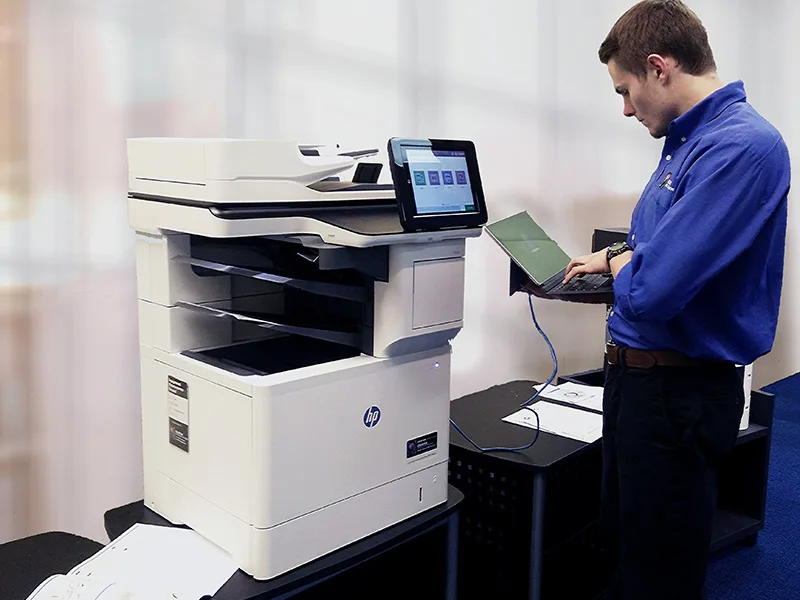 Equipment Repair
Our service department beats industry’s standards for equipment repair.
Learn More
Equipment Repair
Our service department beats industry’s standards for equipment repair.
Learn More