
What to Do If Your Office Printer Stops Working Mid-Day

If your office printer stops working mid-day, it can derail productivity across your entire team. In this article, we walk through the immediate steps to take, common problems to look for, and how to reduce downtime. Learn how regular maintenance and fast response repair services from Creative Office Solutions can keep your business running smoothly. Serving Atlanta, Marietta, and surrounding Georgia cities.
Steps to Take If Your Office Printer Stops Working
In large office environments, every minute counts. Whether you’re managing print jobs for a legal firm, architectural agency, healthcare provider, or enterprise business, a mid-day printer failure can bring productivity to a grinding halt.
If your office printer suddenly stops working, the impact can ripple through teams—delaying contracts, halting project submissions, or even jeopardizing deadlines. Knowing what to do next is crucial.
At Creative Office Solutions, we’ve helped hundreds of Georgia businesses troubleshoot and recover from mid-day equipment failures with fast, reliable service. This guide will walk you through what to do when your printer unexpectedly stops, and how to prevent it from happening again.
Step 1: Check the Obvious Things First
Sometimes the fix is simpler than you think. Start by checking:
- Power supply: Is the printer plugged in and turned on? Is the outlet working?
- Error messages: Read the display panel for alerts—these can often point you toward the problem.
- Paper tray issues: Is the tray overfilled, empty, or misaligned? Even a single bent page can cause a jam.
- Network connection: For networked printers, ensure your Wi-Fi or Ethernet connection is active.
- Toner or ink levels: Low or empty cartridges will stop the print job from completing.
These quick checks can resolve a surprising number of issues, especially when dealing with high-volume multifunction printers that are running nonstop.
Step 2: Try a Soft Reset
If there’s no clear physical issue, the next step is a soft reset.
- Turn off the printer completely and unplug it from the wall.
- Wait for 30 seconds to allow internal memory to reset.
- Restart both the printer and the connected computer/workstation.
This process can help clear temporary software glitches or stalled print queues that prevent the device from functioning.
Step 3: Check the Print Queue and Drivers
Especially in networked or enterprise environments, a blocked print queue can cause delays across multiple departments.
- Open the print queue on your computer.
- Cancel or delete any pending print jobs.
- Try sending a fresh job to the printer.
You should also verify that your printer drivers are up to date. Outdated or incompatible drivers can cause printers to stop mid-task or refuse to respond altogether.
Step 4: Escalate to Internal IT or Facility Support
If your office has an IT department or equipment manager, now’s the time to loop them in. They may have access to admin tools or service documentation to resolve internal hardware or network issues.
Still stuck? That’s where a professional service company like Creative Office Solutions comes in.
Why Businesses in Atlanta Trust Creative Office Solutions for Printer Repairs
For over 25 years, Creative Office Solutions has been the trusted partner for mid-sized to enterprise businesses in Georgia. From Sandy Springs to Marietta to downtown Atlanta, we specialize in fast, on-site service and maintenance for all major printer brands, including:
- Sharp
- HP
- Lexmark
- Kyocera
- Canon
- Ricoh
Our trained technicians carry parts, tools, and diagnostic equipment on-site so they can resolve the problem quickly—with minimal disruption to your operations.
Key Services We Offer:
- Emergency repair calls for businesses
- Preventive maintenance plans
- Managed Print Services (MPS)
- Wide-format printer repair and rentals
- Copier leasing, sales, and trade-ins
Preventing Printer Breakdowns Before They Happen
The best way to avoid the stress of a mid-day failure is to prevent it entirely. Here’s how we help businesses take a proactive approach to printer health.
1. Preventive Maintenance Visits
We offer scheduled maintenance checks that:
- Clean dust, debris, and toner buildup
- Replace worn rollers and parts before they fail
- Update firmware and calibrate for top performance
Think of it like a tune-up for your office’s hardest-working machine.
2. Managed Print Services (MPS)
Our MPS programs give you:
- Remote monitoring of toner levels and device errors
- Automated supply replenishment
- Detailed usage reporting by department
- Reduced downtime with proactive alerts
Learn more about Managed Print Services
3. Leasing and Equipment Upgrades
If your current printer is outdated, it may be more cost-effective to lease a newer model. We help companies upgrade to faster, more reliable equipment—often with no upfront cost thanks to our leasing programs.
Explore our printer and copier leasing options
How to Prepare for Next Time
Even with regular maintenance, issues can still happen. Be prepared with a few office best practices:
- Train staff on basic troubleshooting steps.
- Post contact info for your printer service provider near the device.
- Keep a log of past service calls and issues.
- Have a backup print solution in case of emergencies (especially for client-facing deliverables).
When to Call the Experts
If your printer:
- Displays an unfamiliar error code
- Fails to print despite all the usual checks
- Stops mid-job and won’t restart
- Makes strange noises or overheating
…it’s time to call in a technician.
Don’t wait for a total breakdown. Businesses in Georgia rely on us because we fix printer problems quickly and keep them from coming back.
Final Thoughts: Get Back to Work Faster with Creative Office Solutions
When your printer stops working mid-day, the impact can be immediate and widespread. With the right steps—and the right service partner—you can minimize downtime and prevent it from happening again.
At Creative Office Solutions, we’re here when your equipment isn’t. Whether it’s an emergency repair, preventive care, or a complete office print strategy, we’ve got your back.📞 Call Now: (770) 998-0644
🌐 Visit: www.cosatl.com
📍 Serving: Atlanta, Marietta, Dunwoody, Roswell, Alpharetta, and surrounding areas

“Creative Office Solutions came to our office to install a new copier machine. Excellent experience! Professional, communicative, and ensured they met our expectations.”
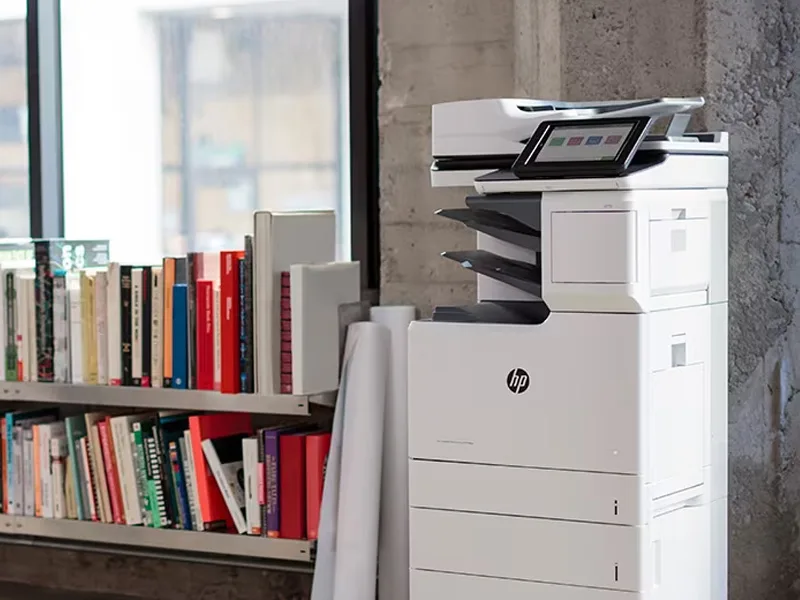 Copiers
Sharp is the #1 brand for copiers in the metro Atlanta area. Call for a quote!
Learn More
Copiers
Sharp is the #1 brand for copiers in the metro Atlanta area. Call for a quote!
Learn More
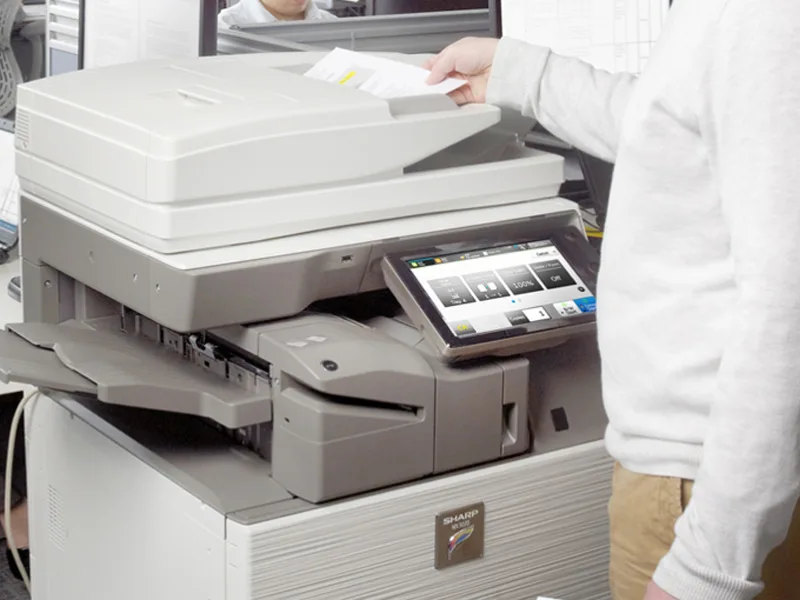 Printers
We are partnered with HP to bring you the world’s best printers at a discount.
Learn More
Printers
We are partnered with HP to bring you the world’s best printers at a discount.
Learn More
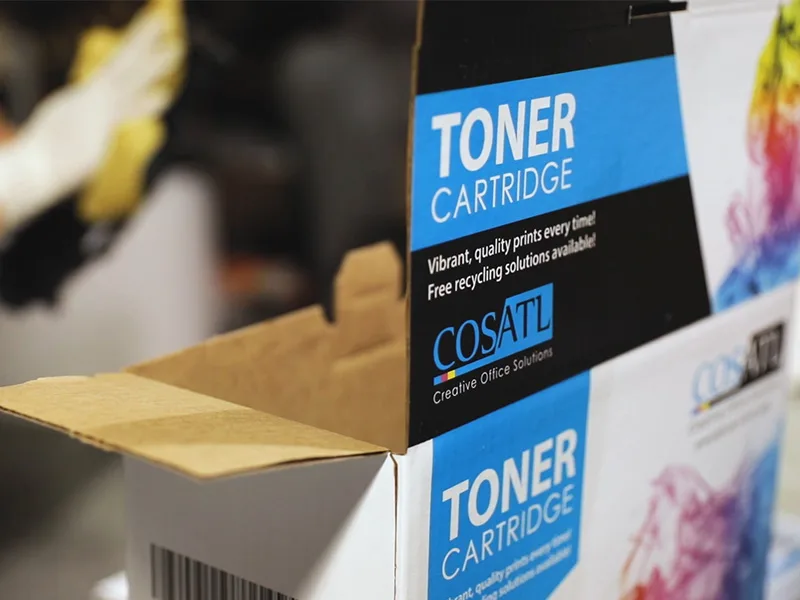 Toner Cartridges
We manufacture toner cartridges right here in Marietta, GA. Try them out!
Learn More
Toner Cartridges
We manufacture toner cartridges right here in Marietta, GA. Try them out!
Learn More
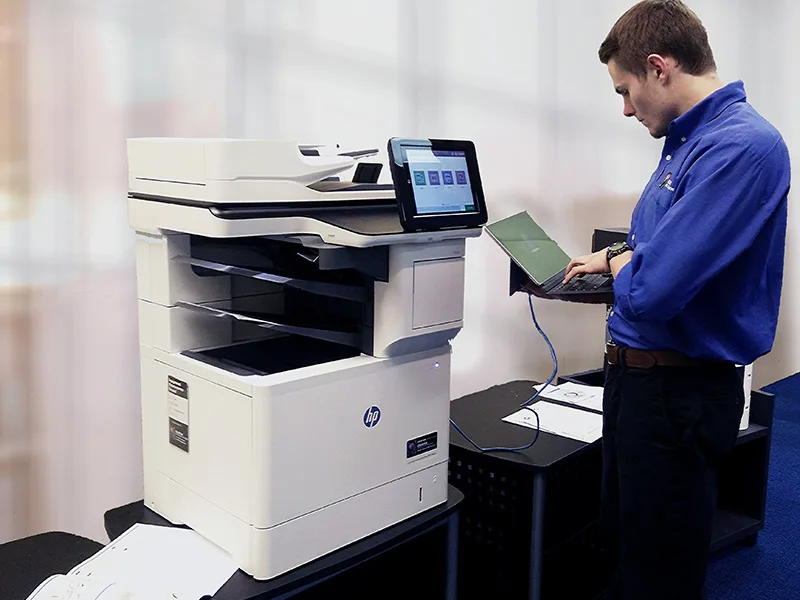 Equipment Repair
Our service department beats industry’s standards for equipment repair.
Learn More
Equipment Repair
Our service department beats industry’s standards for equipment repair.
Learn More