
The Lifespan of a Commercial Copier: How to Plan Your Office Equipment Upgrade Cycle
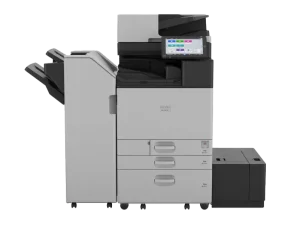
For CFOs and IT Managers overseeing the infrastructure of large enterprises, the office copier is often viewed as a background utility – until it breaks. Then, it suddenly becomes a high-stakes bottleneck that halts productivity, drains IT resources, and balloons operational expenditure.
In a large corporate environment, the “set it and forget it” mentality toward print infrastructure is a financial trap. Because technology cycles move faster than mechanical depreciation, holding onto legacy hardware for too long often costs more in “hidden” expenses than the monthly price of a modern lease.
For leaders planning budgets three to five years in advance, understanding the inflection point between maintenance and modernization is critical. This guide explores how to calculate that point and why transitioning to a proactive lifecycle management model with Creative Office Solutions is the smartest strategic play for your bottom line.
The Economics of the “Legacy Trap”
The average lifespan of a high-volume commercial multifunction printer is typically cited as five to seven years. However, “lifespan” in the IT world refers to mechanical viability, not economic efficiency.
By year four, a commercial copier is no longer just a piece of hardware; it is a financial variable. When planning a 3-5 year budget cycle, you must account for the “Death Spiral of Repairs”:
- The Cost of Spare Parts: As manufacturers discontinue older models, the cost of specialized parts increases due to scarcity. Shipping times for these parts often increase, leading to prolonged downtime.
- Labor Arbitrage: If your IT team is spending hours troubleshooting print drivers or waiting for a technician to replace a fuser kit on a seven-year-old machine, you are losing money. The cost of internal IT labor, calculated against your firm’s billable hour value, often exceeds the cost of a new machine within a few months of frequent breakdowns.
- Security Vulnerabilities: This is the most critical factor for modern IT managers. Older hardware often lacks the firmware update capabilities required to defend against modern network threats. An aging copier is essentially an unpatched, internet-connected gateway into your corporate network.
The 3-5 Year Budget Horizon: Why Timing Matters
CFOs prefer the predictability of a 3-5 year cycle because it aligns with standard capital depreciation schedules and long-term service contracts. At COS, we encourage our enterprise clients to treat their print fleet as a Managed Service rather than a Capital Asset.
The Three-Year Mark: Optimization
At the three-year mark, you are likely at the height of the device’s reliability. However, this is when you should begin an audit. Are your print volumes trending downward due to digital transformation? Or is your workload shifting toward high-color, heavy-stock collateral? Three years is the optimal time to re-evaluate your contract. If your needs have changed, continuing to pay for a device that no longer fits your workflow is inefficient.
The Five-Year Mark: The Breaking Point
By year five, the maintenance costs (even under contract) start to rise. The “Mean Time Between Failures” drops significantly. More importantly, newer models hitting the market offer 20-30% faster processing speeds and superior energy efficiency. If you find your team is still “waiting on the printer,” the machine is actively impeding your company’s velocity.
When Repair Is No Longer Profitable: The “20% Rule”
How do you know when to pull the plug? We recommend the 20% Rule.
If the annual cost of maintenance, repairs, and lost productivity (downtime hours multiplied by the average employee wage) for a single device exceeds 20% of the cost of a new, high-efficiency replacement, repair is no longer a sound business strategy.
Signs it’s time to move on:
- Recurring Error Codes: If the same sub-system (like the document feeder or the internal stapler) fails twice in six months, the machine has “fatigue.”
- Driver Incompatibility: If your IT department is constantly creating custom workarounds to get modern OS updates to “talk” to the printer, you are wasting valuable technical talent on legacy maintenance.
- Energy Inefficiency: Modern machines offer “deep sleep” modes and instant-on fusing that can save large organizations thousands of dollars annually on electricity across a fleet of 50+ machines.
The COS Advantage: Shifting to a Modern Leasing Model
The traditional model of buying a printer, depreciating it, and then scrambling to replace it when it fails is outdated. Large companies are increasingly moving toward Managed Print Services with partners like COS.
1. Predictability in Budgeting
When you partner with COS, your monthly expense is fixed and all-inclusive. This removes the “surprise” invoices that come with emergency service calls for legacy hardware. You can forecast your print expenses with 100% accuracy for the next 36 to 60 months.
2. The “Right-Sizing” Strategy
An upgrade cycle isn’t just about getting new machines – it’s about getting the right machines. When you engage with COS, we don’t just swap boxes; we audit your fleet. We look at your actual print volumes, peak-time usage, and department-specific needs. We often find that companies can reduce their total number of machines by 15-20% through strategic placement, lowering their footprint and total costs simultaneously.
3. Future-Proofing for Security
With COS, the device is the responsibility of the vendor. We ensure that the machines in your office meet the latest industry security standards, including data encryption, secure pull-printing, and regular firmware patching. In an era where endpoint security is a board-level concern, having a partner who manages the print fleet security is a significant weight off the IT department’s shoulders.
4. Seamless Migration
The biggest fear for IT managers during an upgrade is disruption. At COS, we manage the entire lifecycle – from the removal and secure data destruction of the old hardware to the installation, network integration, and training for the new fleet. We handle the logistical headache so your team can focus on their actual job duties.
Building Your Roadmap
If you are a CFO or IT Manager looking at your current print environment, ask yourself three questions:
- What is our “downtime cost”? If our main departmental printer goes down for four hours, what does that cost the company in lost labor?
- Does our current fleet support our future? Are we moving toward a paperless office, or are we printing more specialized collateral? Is our hardware scaling with us?
- Is our IT team a Print Support team? If your top-tier IT talent is fixing paper jams, you are overpaying for mechanical support.
Take the Lead on Infrastructure
A copier upgrade cycle is more than just a procurement task; it is an opportunity to streamline corporate operations, enhance security, and lower long-term OpEx. By transitioning from a reactive “fix-it-when-it-breaks” approach to a strategic leasing lifecycle with COS, you regain control over your budget and your workspace.
Don’t wait for the inevitable breakdown that causes a mid-month emergency. Reach out to the experts at COS today for a comprehensive print fleet audit. Let us help you map out your next 3-5 years, ensuring that when the technology changes, your company is already ahead of the curve.
Ready to optimize your fleet? Contact COS today for a custom fleet assessment.

“Creative Office Solutions came to our office to install a new copier machine. Excellent experience! Professional, communicative, and ensured they met our expectations.”
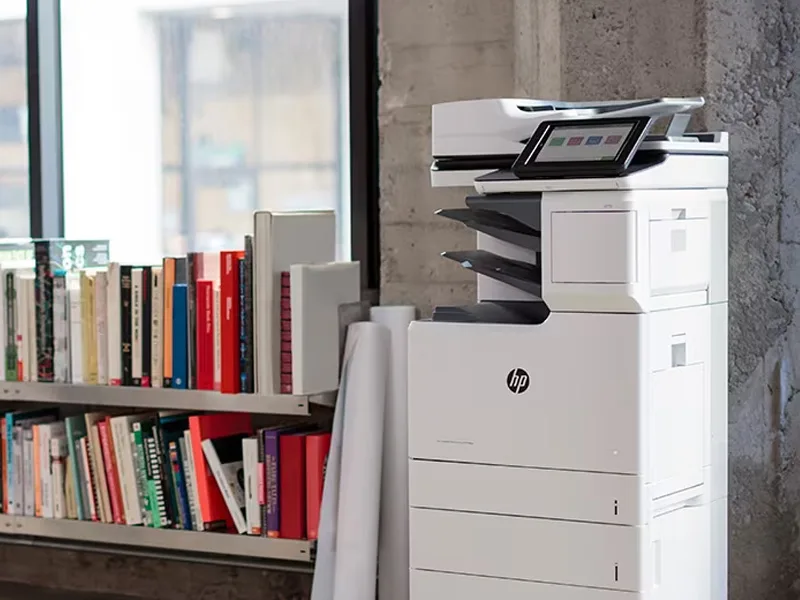 Copiers
Sharp is the #1 brand for copiers in the metro Atlanta area. Call for a quote!
Learn More
Copiers
Sharp is the #1 brand for copiers in the metro Atlanta area. Call for a quote!
Learn More
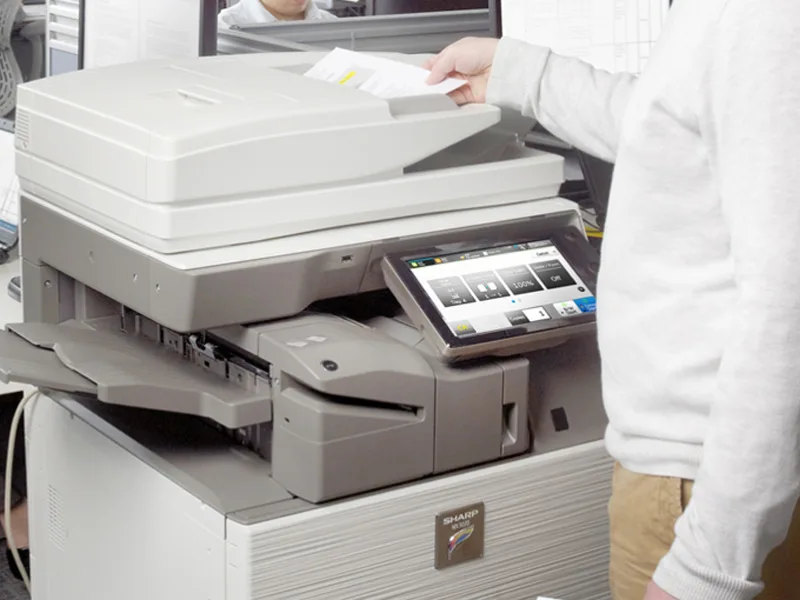 Printers
We are partnered with HP to bring you the world’s best printers at a discount.
Learn More
Printers
We are partnered with HP to bring you the world’s best printers at a discount.
Learn More
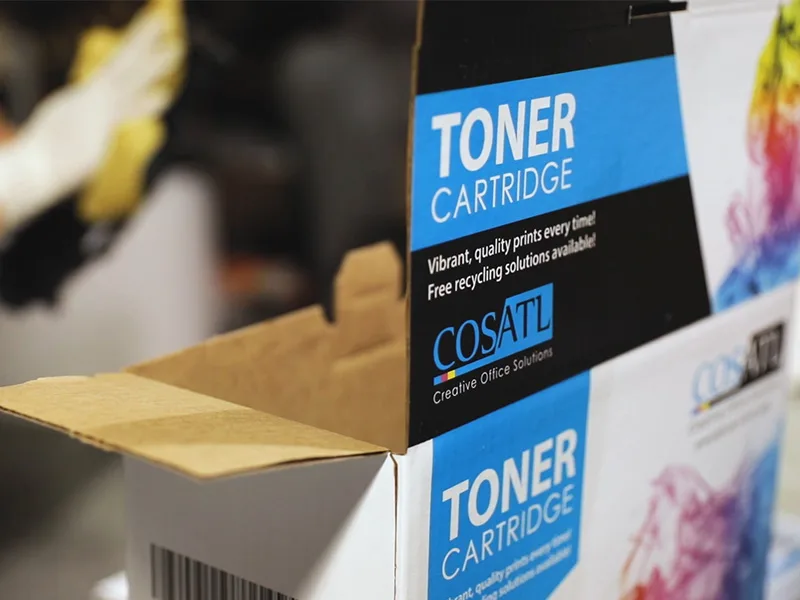 Toner Cartridges
We manufacture toner cartridges right here in Marietta, GA. Try them out!
Learn More
Toner Cartridges
We manufacture toner cartridges right here in Marietta, GA. Try them out!
Learn More
 Equipment Repair
Our service department beats industry’s standards for equipment repair.
Learn More
Equipment Repair
Our service department beats industry’s standards for equipment repair.
Learn More