
Multifunction Printers vs. Dedicated Devices: Which Do You Need?
Choosing the right printing solution for your office is a key decision that impacts productivity, costs, and workflow efficiency. Two popular options are multifunction printers (MFPs) and dedicated devices. Each has distinct advantages depending on your business needs, print volume, and space constraints. In this article, we’ll help you understand the differences to make an informed choice.
What Are Multifunction Printers?
Multifunction printers combine multiple office tasks into one device — printing, scanning, copying, and often faxing. These all-in-one machines are designed to save space and streamline workflow, making them a favorite for small to medium-sized offices or departments with moderate print volumes.
Benefits of multifunction printers include:
- Compact footprint, saving valuable office space
- Simplified device management with fewer machines to maintain
- Integrated scanning and copying functions for quick document handling
- Cost-effective upfront investment for multiple functions
If you want to explore a broad selection of office printers for every workflow, MFPs are a flexible solution to consider.
What Are Dedicated Devices?
Dedicated devices are single-function machines built to handle one specific task, such as high-speed printing, high-quality scanning, or professional copying. For businesses with high volume demands or specialized needs, dedicated devices can offer faster speeds, superior quality, and more robust features.
Advantages of dedicated devices include:
- Higher performance and speed for specific functions
- Greater customization and expandability
Enhanced durability for heavy use - Often preferred in environments with specialized printing needs or heavy workloads
For example, if your organization requires large-scale printing, you might explore wide-format printer rentals or powerful dedicated printers.
Which Option is Right for Your Business?
Consider these factors when deciding:
- Print volume: High volume favors dedicated printers; moderate or mixed workloads suit MFPs
Space availability: Limited space encourages multifunction devices - Workflow needs: If you need seamless scanning, copying, and faxing, MFPs simplify operations
- Budget: MFPs can reduce upfront costs, but dedicated devices may offer lower cost per page long term
Our guide on leasing vs. buying a copier can help you evaluate cost-effective ways to acquire the right equipment.
Enhance Your Printing Environment
Whether you choose multifunction printers or dedicated devices, managed print services can optimize your setup by automating supply orders, monitoring usage, and reducing downtime. Learn more about managed print services for your business.
Explore our full range of office copiers and printers, including specialized options like Sharp copier sales for advanced functionality and reliability.
Printing Solutions for Schools and Educational Offices
Schools and educational offices have unique printing needs requiring flexibility and cost control. Our printer services for schools ensure efficient and budget-friendly print environments tailored to education.
Learn More About Copier Features
Not sure which features to prioritize? Check out our detailed guide on top copier features to look for in a business environment to help align your printer choice with your business goals.
Contact Us Today
Ready to find the perfect printer or copier solution? Our team at Create Office Solutions is here to help. Contact us today for personalized advice, quotes, and support.

“Creative Office Solutions came to our office to install a new copier machine. Excellent experience! Professional, communicative, and ensured they met our expectations.”
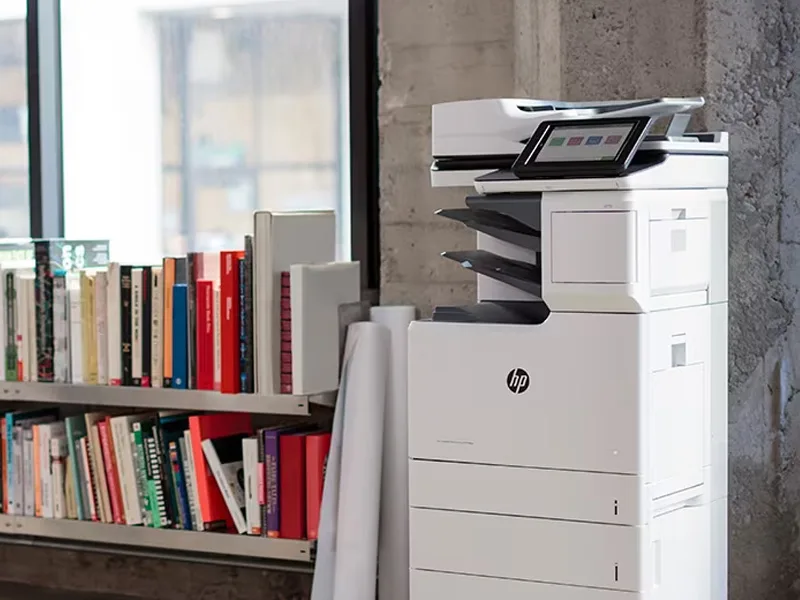 Copiers
Sharp is the #1 brand for copiers in the metro Atlanta area. Call for a quote!
Learn More
Copiers
Sharp is the #1 brand for copiers in the metro Atlanta area. Call for a quote!
Learn More
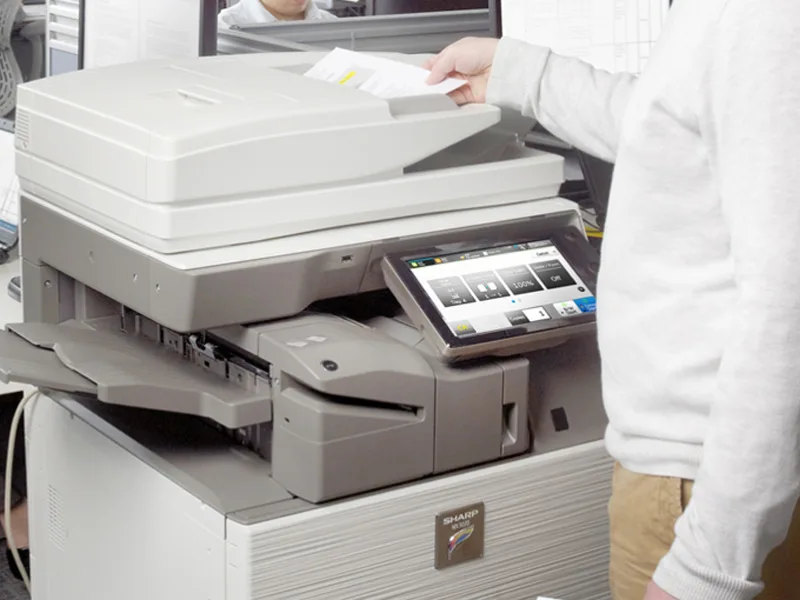 Printers
We are partnered with HP to bring you the world’s best printers at a discount.
Learn More
Printers
We are partnered with HP to bring you the world’s best printers at a discount.
Learn More
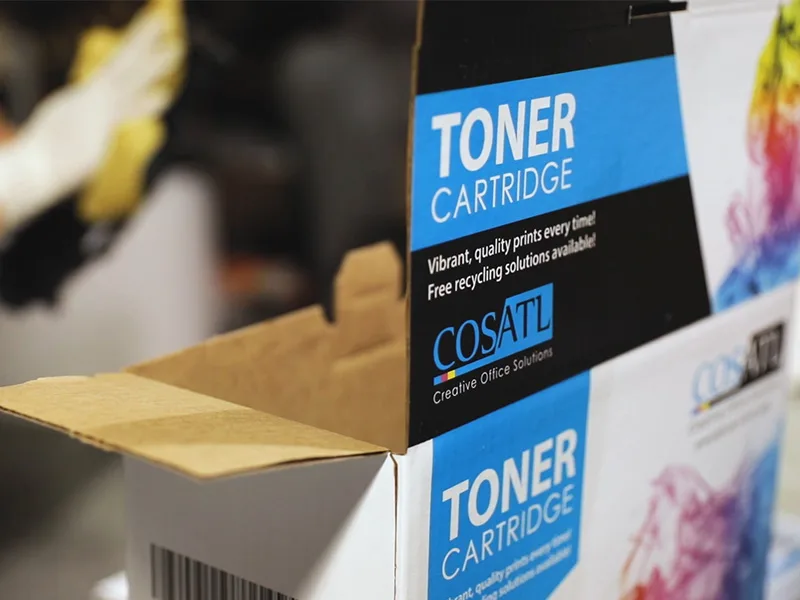 Toner Cartridges
We manufacture toner cartridges right here in Marietta, GA. Try them out!
Learn More
Toner Cartridges
We manufacture toner cartridges right here in Marietta, GA. Try them out!
Learn More
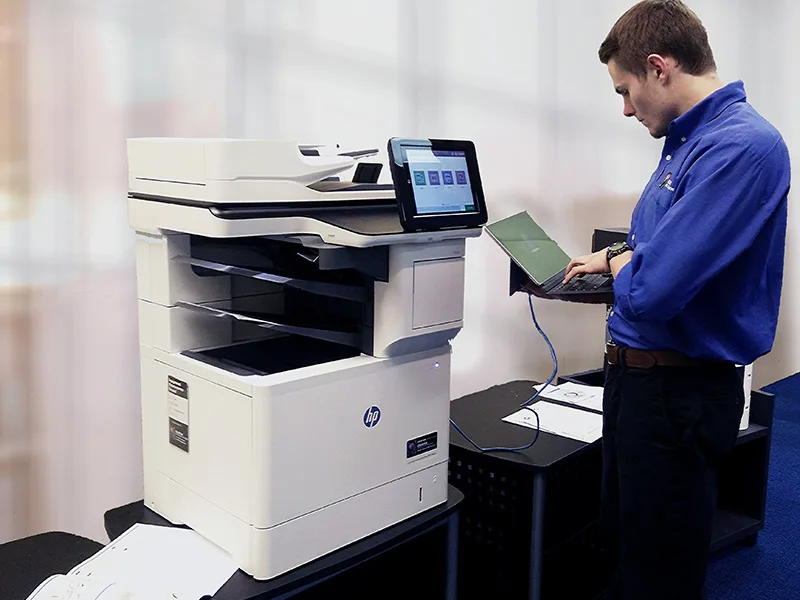 Equipment Repair
Our service department beats industry’s standards for equipment repair.
Learn More
Equipment Repair
Our service department beats industry’s standards for equipment repair.
Learn More