
How to Print Business Cards with an Office Printer

Printing business cards in-house with your office printer can be a cost-effective and convenient option if done right. This guide covers everything from the supplies you need and printer setup to design tips and finishing touches. Learn how to get professional-quality results and how Creative Office Solutions can support your business with expert equipment, supplies, and maintenance.
Why Print Business Cards In-House?
When you’re running a busy office, having the flexibility to print your own business cards can be a major advantage. But often we get asked about how to make business cards with a printer. Whether you’ve hired a new employee, rebranded your business, or need last-minute cards before a conference, having the ability to create cards on demand gives you greater control, saves time, and can be more cost-effective in the long run.
While professional print shops are great for high-volume runs or complex finishes, many offices can produce impressive cards in-house with the right tools and a little know-how.
Step 1: Choose the Right Printer
Not all office printers are up to the task of printing business cards. You’ll want a model that supports:
- Heavy cardstock handling (at least 80–110 lb)
- High-resolution printing for sharp logos and text
- Color accuracy to match your brand
- Duplex printing if you’re doing double-sided cards
For most offices, a laser printer will offer the best results in terms of speed, durability, and print sharpness. Inkjet printers can also work well if you want richer color depth or are using specialty coated card stock.
Tip: If you’re not sure if your current printer can handle business card stock, reach out to Creative Office Solutions and we’ll help you find the right match or upgrade option.
Step 2: Get the Right Paper or Card Stock
This is one of the most important parts of printing professional-looking business cards. Look for:
- Cardstock weight: 80 lb cover (215 gsm) to 110 lb (298 gsm) is ideal
- Matte or glossy finish depending on your brand aesthetic
- Pre-perforated sheets for easy tear-off (Avery is a common brand)
- Compatible size: 10 cards per sheet (2 x 3.5 in) is standard
Avoid using flimsy or overly thick paper that your printer may jam on.
Step 3: Design Your Cards
Use a professional design tool like Canva, Adobe Illustrator, or Microsoft Publisher to lay out your cards. Be sure to include:
- Company logo
- Employee name and title
- Contact info (phone, email, website)
- Company address (if applicable)
- QR code (optional)
Design Tip: Stick to high-contrast text, use your brand colors, and allow for a margin around the edge (bleed zone) so nothing important gets cut off.
Want templates? Contact us here and we can help you set up or recommend tools to make it even easier.
Step 4: Printer Settings and Testing
Before doing a large run, test one sheet:
- Load your cardstock properly (typically through the manual feed tray)
- Set your paper type to “Cardstock” or “Heavy Paper” in printer settings
- Adjust print quality to “High” or “Best”
- Use a single sheet first to verify alignment and quality
If you’re doing double-sided cards, enable duplex mode or flip the sheets manually after printing one side.
If your printer struggles with thicker card stock, it may be time for a higher-end model. Our team can help you evaluate options for office printers in Atlanta and Marietta.
Step 5: Cut or Separate the Cards
If you’re using pre-perforated card stock, carefully fold and snap along the perforations for clean edges.
If you used plain cardstock, use a paper trimmer for the most professional cut. Scissors will work in a pinch but can result in uneven edges.
Step 6: Store and Distribute
Store extra cards in a safe, dry place—preferably in a card box or holder to prevent bending. Keep some on hand at your front desk or give employees a small stash to use at networking events.
Benefits of In-House Business Card Printing
- Speed: No waiting on a print shop for simple reprints or updates.
- Cost control: Save money on small batch runs or frequent updates.
- Flexibility: Print on demand for new hires, temp workers, or events.
- Customization: Try different designs for departments or roles.
When to Use a Print Shop Instead
While office printing is great for many situations, there are times when outsourcing may be better:
- Large volume needs (hundreds or thousands of cards)
- Specialty finishes like foil stamping, raised ink, or embossing
- Unusual shapes or custom die cuts
- Higher-end materials like recycled paper or textured stock
At Creative Office Solutions, we can guide you toward the right solution for your volume and design needs even if that means recommending a professional print partner.
How Creative Office Solutions Can Help
At Creative Office Solutions, we help businesses all across Georgia, from Atlanta to Sandy Springs, get the most from their office printing. Whether you want to print business cards, brochures, or booklets in-house, we can help you:
- Select the right printer for cardstock and color quality
- Find the best paper supplies and toner for your printer
- Offer preventive maintenance to keep your printer running smoothly
- Provide repairs or upgrades when your office grows
We also offer Managed Print Services, printer leasing, and wide-format printing if you need to expand your capabilities.
Printing business cards with your office printer is a smart way to save time and money while staying in control of your branding. With the right printer, materials, and a few design tips, you can get professional results without leaving the office.
Need help finding the best printer for your needs? Contact Creative Office Solutions and let our team help you print with confidence.

“Creative Office Solutions came to our office to install a new copier machine. Excellent experience! Professional, communicative, and ensured they met our expectations.”
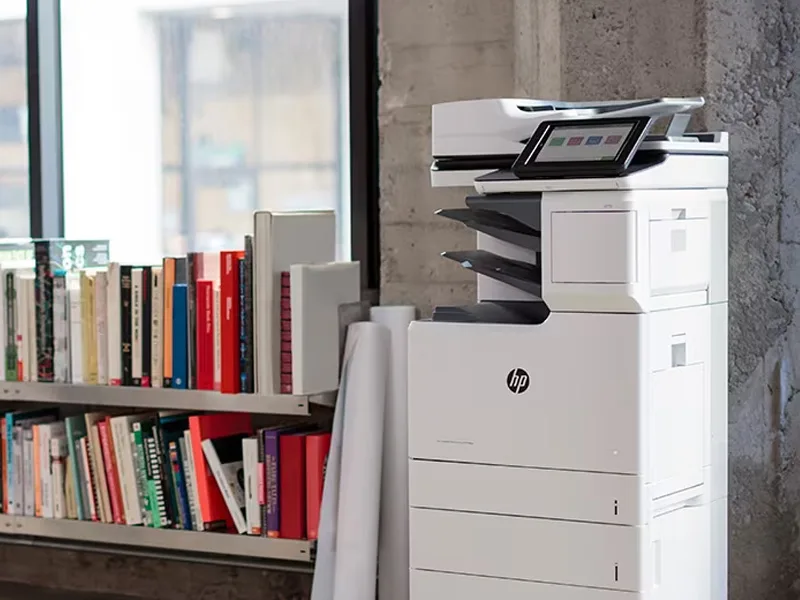 Copiers
Sharp is the #1 brand for copiers in the metro Atlanta area. Call for a quote!
Learn More
Copiers
Sharp is the #1 brand for copiers in the metro Atlanta area. Call for a quote!
Learn More
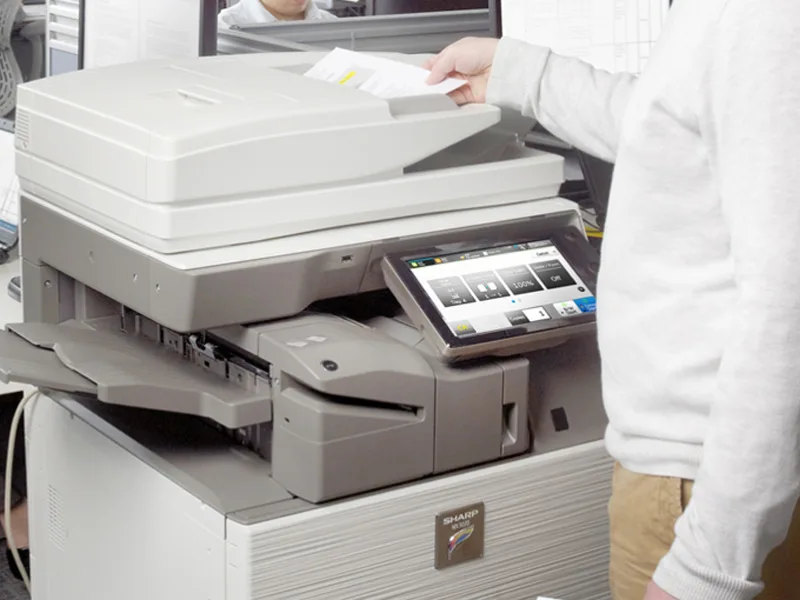 Printers
We are partnered with HP to bring you the world’s best printers at a discount.
Learn More
Printers
We are partnered with HP to bring you the world’s best printers at a discount.
Learn More
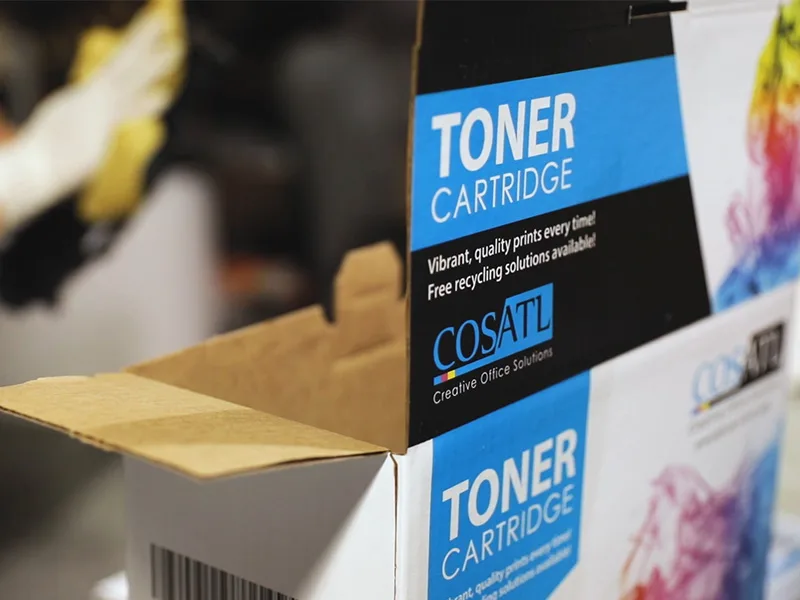 Toner Cartridges
We manufacture toner cartridges right here in Marietta, GA. Try them out!
Learn More
Toner Cartridges
We manufacture toner cartridges right here in Marietta, GA. Try them out!
Learn More
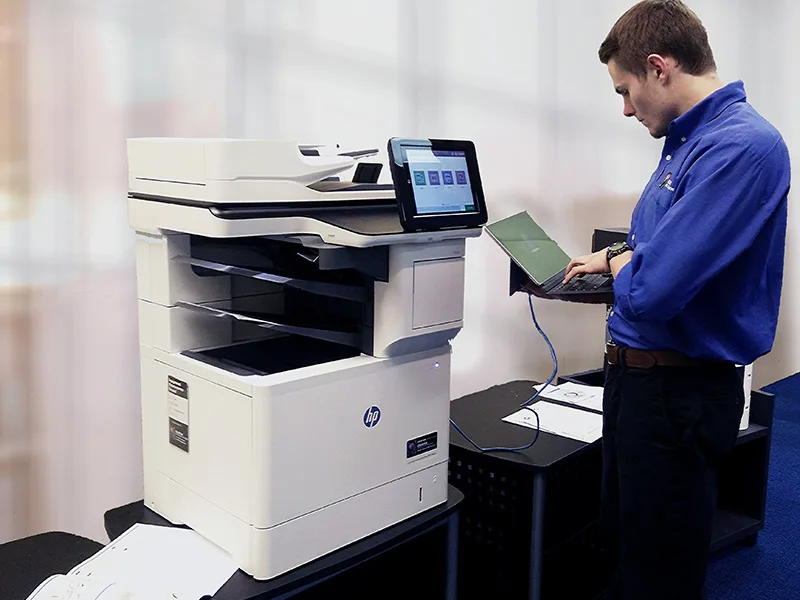 Equipment Repair
Our service department beats industry’s standards for equipment repair.
Learn More
Equipment Repair
Our service department beats industry’s standards for equipment repair.
Learn More