
How to Extend the Life of Your Business Printers and Copiers
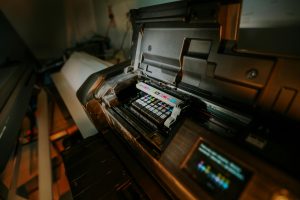
In the fast-paced business ecosystem of Metro Atlanta, hardware reliability is synonymous with operational efficiency. Among the most heavily utilized pieces of office equipment are business printers and copiers. Whether your office utilizes a high-volume Sharp multifunction printer, a robust Ricoh copier, or a fleet of HP and Lexmark laser printers, these machines represent a significant investment.
When a core office copier goes offline, the disruption cascades through departments. To maximize your Return on Investment and lower your Total Cost of Ownership, proactive maintenance is required.
At Creative Office Solutions, we help businesses in Marietta and Atlanta keep their print fleets running smoothly for years. Below is our expert guide on how to extend the life of your equipment.
1. Optimize the Physical Environment
The physical environment in which a printer operates has a profound impact on its longevity.
- Temperature and Humidity: Printers rely on static electricity and heat to fuse toner. High humidity can cause paper to absorb moisture, leading to jams and curled pages. Keep your office between 65°F and 75°F with moderate humidity.
- Strategic Placement: Keep your MFPs away from direct sunlight, which can degrade plastic casings and sensitive sensors. Also, avoid placing machines near HVAC vents or high-traffic corridors where they can be bumped or collect excessive dust.
- Ventilation: High-speed copiers generate heat. Ensure there is adequate clearance around the cooling fans to prevent overheating.
2. Master Paper and Media Management
Many mechanical failures begin in the paper tray.
- Select the Right Media: Always consult the manual regarding supported paper weights. Pushing heavy cardstock through a standard paper path meant for plain paper will rapidly wear out the rollers.
- Proper Storage: Store reams of paper in a dry, cool cabinet. Damp paper is the leading cause of “accordion” jams.
- Loading Techniques: Before loading paper, fan the stack to separate the sheets. This reduces static cling and prevents multi-sheet feeding errors.
3. Be Strategic with Consumables
The debate between Original Equipment Manufacturer and remanufactured consumables is common.
- Quality Matters: While cheap, knock-off toner cartridges from online marketplaces can leak and damage your machine, high-quality remanufactured cartridges from a trusted local provider like Creative Office Solutions are safe, reliable, and cost-effective. We ensure our toner meets strict quality standards to protect your machine’s fuser and imaging units.
- Maintenance Kits: When your printer prompts you to replace a “Maintenance Kit” (fuser, transfer roller, feed rollers), do not delay. Pushing these parts past their rated life stresses the drive motors.
4. Implement a Routine Cleaning Protocol
You don’t need to be a technician to perform basic care.
- Clean the Optics: Use a lint-free microfiber cloth and glass cleaner to wipe down the platen glass and the slit glass on the Automatic Document Feeder. This prevents lines on your scans.
- Clear Jams Correctly: Never yank jammed paper backward against the feed direction. This strips the gears. Always pull gently in the direction of the paper path.
5. Software and Power Management
- Firmware Updates: Manufacturers like HP and Sharp release firmware updates to patch security vulnerabilities and optimize mechanical timing. Keeping your fleet updated extends its useful life.
- Sleep Modes: Utilize “Deep Sleep” modes. Allowing the fuser unit to cool down during inactivity prevents constant thermal stress on heating elements.
- Managed Print Services: For larger Atlanta enterprises, an MPS program from Creative Office Solutions is the ultimate lifesaver. We remotely monitor your devices for error codes and dispatch technicians before a catastrophic failure occurs.
6. Know When to Call a Professional
While user maintenance is helpful, some tasks require a certified expert. Intricate repairs, such as replacing the laser scanner assembly or diagnosing motherboard faults, should be handled by a professional.
Partner with Creative Office Solutions for your annual maintenance needs. Our certified technicians in Marietta can deep clean and calibrate your machines to ensure they last for years to come.
Frequently Asked Questions
How often should a business printer undergo professional maintenance?
For high-volume copiers (10,000+ pages a month), professional maintenance should be scheduled at least twice a year. For lower volume machines, an annual check-up is sufficient. Always call a professional if the machine requests a “Maintenance Kit” replacement.
What is the main cause of frequent paper jams?
The most common causes are worn-out feed rollers, the use of damp paper (caused by high humidity), and improperly loaded paper trays. Worn rollers lose their grip and slip, disrupting the timing of the paper path.
Does using remanufactured toner damage the printer?
Not if you use a reputable supplier. High-quality remanufactured cartridges from Creative Office Solutions are rigorously tested and safe. However, cheap “clone” cartridges from unknown online sellers can leak and damage the fuser unit.
How does firmware affect printer life?
Firmware dictates how the motors and fusers operate. Updates often optimize these mechanical processes, reducing unnecessary strain and wear on internal components.
What is a fuser unit?
A fuser unit consists of heated rollers that melt the toner powder onto the paper. It is a consumable part that typically needs replacement every 100,000 to 300,000 pages depending on the model.
Can energy-saving modes extend printer lifespan?
Yes. Sleep modes turn off the heating elements and cooling fans when the printer is idle. This reduces thermal stress on the internal electronics and plastics, significantly extending the machine’s life.

“Creative Office Solutions came to our office to install a new copier machine. Excellent experience! Professional, communicative, and ensured they met our expectations.”
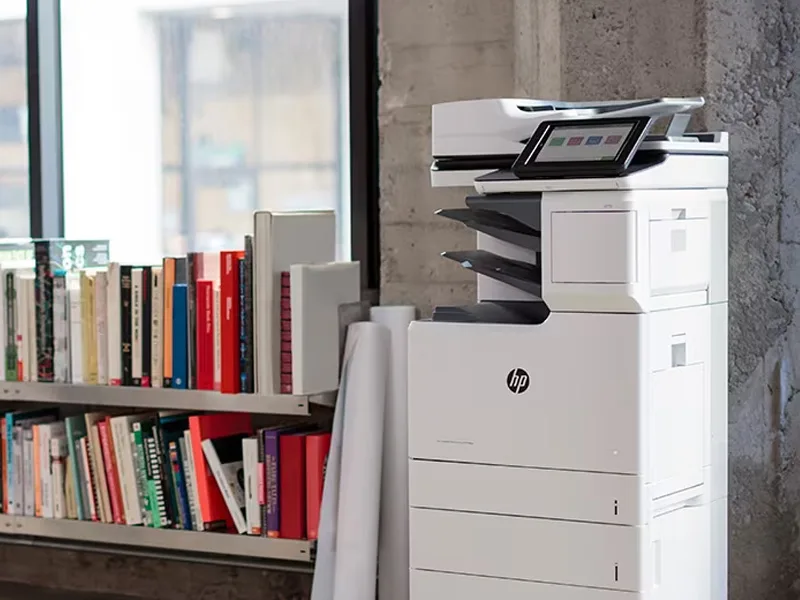 Copiers
Sharp is the #1 brand for copiers in the metro Atlanta area. Call for a quote!
Learn More
Copiers
Sharp is the #1 brand for copiers in the metro Atlanta area. Call for a quote!
Learn More
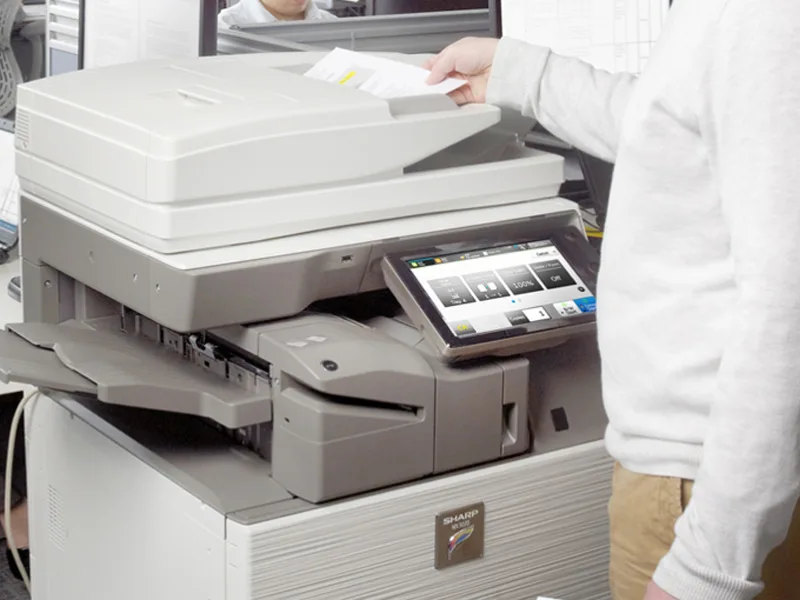 Printers
We are partnered with HP to bring you the world’s best printers at a discount.
Learn More
Printers
We are partnered with HP to bring you the world’s best printers at a discount.
Learn More
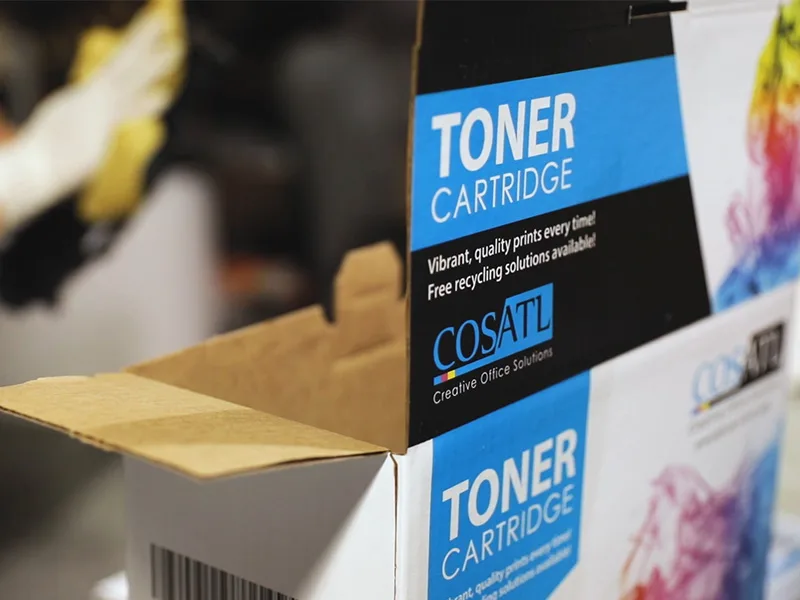 Toner Cartridges
We manufacture toner cartridges right here in Marietta, GA. Try them out!
Learn More
Toner Cartridges
We manufacture toner cartridges right here in Marietta, GA. Try them out!
Learn More
 Equipment Repair
Our service department beats industry’s standards for equipment repair.
Learn More
Equipment Repair
Our service department beats industry’s standards for equipment repair.
Learn More