
Choosing the Best Business Printer or Multifunction Station

In the era of digital transformation, the paperless office remains more of an aspirational concept than a strict reality for most enterprises. Whether you are managing a burgeoning startup, a mid-sized legal firm, or a sprawling corporate enterprise, physical documents remain a crucial component of daily workflow. Contracts must be signed, marketing materials must be reviewed, and invoices must be processed. Because of this, selecting the best business printer or multifunction station is not merely a hardware purchase; it is a critical investment in your organization’s operational efficiency, document security, and bottom line.
This comprehensive guide explores every facet of modern business printing, detailing the vital technologies, key specifications, major brands, and total cost of ownership considerations to help you choose the ultimate document management solution.
What is a Multifunction Station (MFP)?
A Multifunction Printer, often referred to as an All-in-One device, is an essential piece of office equipment that consolidates multiple document management capabilities into a single physical footprint. While traditional standalone printers serve only to output digital files onto physical media, a multifunction station acts as a centralized document hub.
An enterprise-grade MFP typically combines the following entities:
- Printing: High-speed translation of digital files into physical documents.
- Scanning: High-resolution digitization of physical media via a flatbed scanner or an Automatic Document Feeder (ADF).
- Copying: Standalone duplication without the need for an external computer.
- Faxing: While legacy, analog or digital IP-faxing remains critical in sectors like healthcare (HIPAA compliance) and law.
- Emailing & Routing: Direct integration with corporate networks to send scanned files to email addresses, shared network folders (SMB/FTP), or cloud services.
The Great Divide: Laser Printers vs. Business Inkjets
For decades, the business sector was dominated exclusively by the laser printer. However, modern advancements have allowed high-end inkjet technologies to challenge this supremacy. Understanding the difference between these two core entities is paramount.
Laser Printing Technology
Laser printers utilize a complex combination of static electricity, a photoreceptor drum unit, and a fuser. A laser beam “draws” the document onto the drum, which attracts dry toner powder. The toner is then transferred to the paper and melted into the fibers by the fuser rollers.
- Pros: Laser technology is synonymous with incredibly crisp text, zero smudging, and rapid print speeds. They are designed for high-volume, heavy-duty cycles. The toner never dries out, making them ideal for sporadic but massive print jobs.
- Cons: Higher initial energy consumption (due to the heating of the fuser) and complex maintenance involving multiple consumables like drum units, transfer belts, and waste toner boxes.
Business Inkjet and Continuous Ink Supply Systems (CISS)
Modern Business Inkjets utilize micro-piezo or thermal inkjet technology (such as Epson’s PrecisionCore or HP’s PageWide) to precisely spray microscopic droplets of liquid ink onto paper. More recently, the industry has shifted toward Continuous Ink Supply Systems – marketed under names like Epson EcoTank, Canon MegaTank, and HP Smart Tank.
- Pros: Exceptional color accuracy for graphics and marketing materials. CISS models offer an astonishingly low Cost Per Page and Total Cost of Ownership. Furthermore, Epson’s “Heat-Free” inkjet technology drastically reduces electricity consumption.
- Cons: Liquid ink can smudge if exposed to moisture (though modern pigment inks mitigate this). Inkjets also require regular use to prevent printhead nozzles from clogging.
Key Specifications and Entities to Evaluate
When procuring a business printer or MFP, the spec sheet can look like an alphabet soup of acronyms. Here are the crucial entities and metrics you must evaluate:
- PPM (Pages Per Minute) and IPM (Images Per Minute): These metrics denote print speed. A robust business printer should offer at least 25-35 PPM for small workgroups, while enterprise MFPs easily push 50 to 70 PPM.
- ADF (Automatic Document Feeder): An absolute necessity for scanning multi-page documents.
- Single-Pass Duplex Scanning: Premium MFPs feature two scanning sensors in the ADF, allowing both sides of a double-sided document to be scanned simultaneously in a single pass, drastically reducing scan times.
- Auto-Duplexing: The ability to print on both sides of a page automatically, cutting paper costs in half.
- DPI (Dots Per Inch): Determines the print and scan resolution. 600 x 600 DPI is standard for crisp text, while 1200 x 1200 DPI or higher is preferred for high-quality marketing graphics.
- Duty Cycle and RMPV: The Maximum Monthly Duty Cycle is the absolute limit the machine can handle without breaking, but the Recommended Monthly Page Volume is the sweet spot you should use to match the printer to your office’s actual workload.
- OCR (Optical Character Recognition): Advanced MFPs include onboard OCR to convert scanned images into searchable PDF files or editable Microsoft Word documents.
Connectivity and Enterprise Security
In the modern smart office, a printer is an active node on the network and, consequently, a potential cybersecurity vulnerability.
Connectivity Entities: Look for Dual-band Wi-Fi 6, Gigabit Ethernet, Wi-Fi Direct, Bluetooth Low Energy, and NFC (Near Field Communication) for tap-to-print capabilities. Software integrations should include Apple AirPrint, Mopria Print Service, and support for TWAIN/WIA drivers.
Security Entities: Enterprise-grade security is non-negotiable. Top-tier MFPs include features like Secure Boot (verifying firmware integrity at startup), Encrypted Hard Drives to protect stored print jobs, IPsec, and SNMPv3 for secure network management. Features like Pull Printing (or PIN release) ensure that a document does not actually print until the user arrives at the machine and authenticates with a PIN or RFID badge. HP’s Wolf Security and Xerox’s ConnectKey ecosystem are current industry leaders in endpoint printer protection.
The Titan Brands of the Printing Industry
The market is dominated by several legacy brands, each offering unique proprietary ecosystems:
- HP (Hewlett-Packard): Dominates both the laser (LaserJet Enterprise, LaserJet Pro) and inkjet (OfficeJet Pro, Smart Tank) markets. Known for robust security and intuitive touchscreens.
- Brother: The undisputed king of the small-to-medium business (SMB) monochrome laser market. The Brother MFC and HL lines are revered for their tank-like durability, reliability, and low upfront costs.
- Canon: Their imageCLASS (for SMBs) and imageRUNNER (for enterprise) lines feature incredibly advanced color science, leveraging dual custom processors for rapid workflow execution.
- Epson: Pioneered the cartridge-free revolution. Their WorkForce and EcoTank Pro series utilizing PrecisionCore technology offer massive ink yields and aggressive TCO reductions.
- Xerox: The inventor of the modern photocopier. Their VersaLink and AltaLink machines are highly modular and feature an app gallery that allows deep customization of workflows.
- Lexmark, Kyocera, and Ricoh: Heavyweights in the enterprise managed print services (MPS) sector. Kyocera’s ECOSYS line is famous for its long-life ceramic drum components.
Top Business Printer & MFP Recommendations
While the exact model will depend on your specific RMPV and budget, here are the standouts representing the best in their respective categories:
- Best Overall Color Laser MFP: HP Color LaserJet Pro MFP M479fdw (or newer M480f). Offers a perfect balance of speed (29 ppm), pristine color output, and rigorous HP Wolf Security features. Ideal for workgroups of 3 to 10 people.
- Best High-Volume Monochrome Workhorse: Brother MFC-L6900DW. A powerhouse capable of 52 ppm with a 500-sheet paper tray standard. It supports super high-yield toner cartridges, keeping the CPP incredibly low.
- Best Eco-Friendly Business Inkjet: Epson EcoTank Pro ET-5850. A game-changer for businesses tired of buying expensive toner. It features incredibly fast heat-free printing, exceptional color quality, and replacement ink bottles that last for thousands of pages.
- Best Enterprise Floor-Standing MFP: Canon imageRUNNER ADVANCE DX C5840i. Designed for massive departments, featuring advanced cloud connectivity, robust finishing options (stapling, hole-punching), and industry-leading workflow digitization.
Understanding Total Cost of Ownership
The most common mistake businesses make is purchasing a printer based solely on the upfront hardware cost (CAPEX). In the printing industry, the “razor and blades” business model is rampant: the printer is sold cheaply, but the replacement consumables (toner, ink, drums, fusers, maintenance boxes) are exorbitantly priced (OPEX).
To calculate TCO, estimate your monthly print volume over a 3 to 5 year lifespan. Calculate the Cost Per Page by dividing the price of a high-yield cartridge by its ISO/IEC 24711 estimated page yield. Often, a $600 printer with a 1-cent CPP is thousands of dollars cheaper over three years than a $200 printer with a 5-cent CPP.
Q&A
What is the primary difference between a standalone printer and a Multifunction Station (MFP)?
A standalone printer is only capable of receiving digital data and outputting it onto physical paper. A Multifunction Station or All-in-One integrates multiple document management features, including printing, scanning, copying, and often faxing, making it a centralized hub for both digital and physical workflows.
Should my business purchase a laser printer or an ink tank (CISS) printer?
It depends on your primary usage. If you print primarily text documents in high volumes, need archival-quality prints that won’t smudge, and go through long periods of inactivity, a laser printer is ideal. If your business prints high volumes of color documents, graphics, or marketing materials and wants to dramatically lower the cost per page and energy consumption, an ink tank printer like an EcoTank or MegaTank is the superior choice.
What does a “Single-Pass Duplex ADF” mean and why is it important?
An Automatic Document Feeder allows you to scan multi-page documents automatically. A “Single-Pass Duplex” ADF contains two separate scanning sensors (one on top, one on the bottom). This allows the machine to scan both sides of a two-sided document simultaneously in one single pass through the feeder, vastly improving scan speeds and reducing the chance of paper jams.
How important is printer security for a small-to-medium business (SMB)?
Printer security is critically important. Modern MFPs are essentially networked computers with hard drives. Unsecured printers can be exploited by hackers as a backdoor into your corporate network, or used to intercept sensitive printed data. Features like PIN-release (Pull Printing), firmware secure boot, encrypted hard drives, and secure network protocols protect sensitive company and client data from breaches.
What is Total Cost of Ownership (TCO) in relation to business printing?
TCO is a financial estimate that calculates the complete cost of buying and operating a printer over its entire lifecycle (usually 3 to 5 years). It goes beyond the initial hardware purchase price to include the ongoing costs of consumables (toner, ink, drum units), maintenance, energy consumption, and paper. A printer with a higher upfront cost but cheaper high-yield ink/toner often has a significantly lower TCO than a cheap printer with expensive cartridges.
What does Duty Cycle and Recommended Monthly Page Volume (RMPV) indicate?
The Duty Cycle is the absolute maximum number of pages a printer’s hardware can process in a month without failing, essentially a measure of its sheer durability. However, the Recommended Monthly Page Volume is the metric buyers should follow; it is the manufacturer’s suggested range of pages per month to ensure optimal performance, prevent paper jams, and extend the lifespan of the machine.

“Creative Office Solutions came to our office to install a new copier machine. Excellent experience! Professional, communicative, and ensured they met our expectations.”
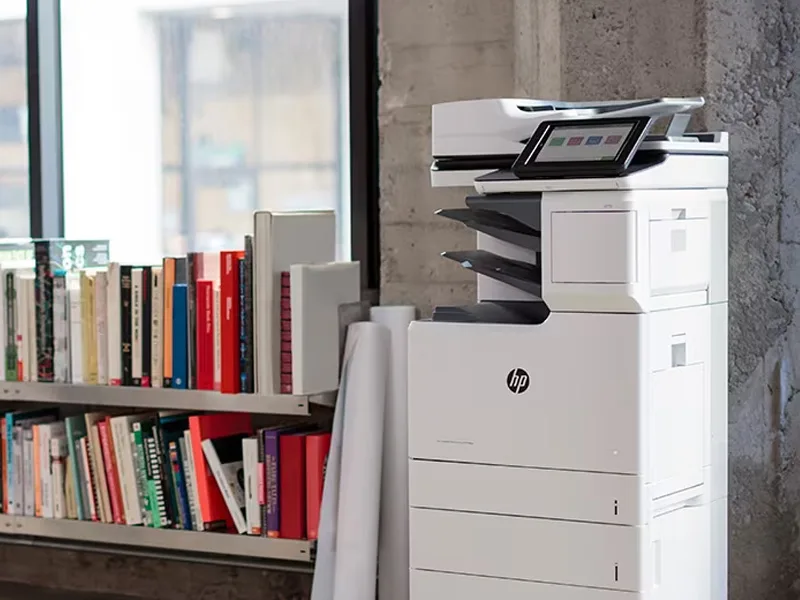 Copiers
Sharp is the #1 brand for copiers in the metro Atlanta area. Call for a quote!
Learn More
Copiers
Sharp is the #1 brand for copiers in the metro Atlanta area. Call for a quote!
Learn More
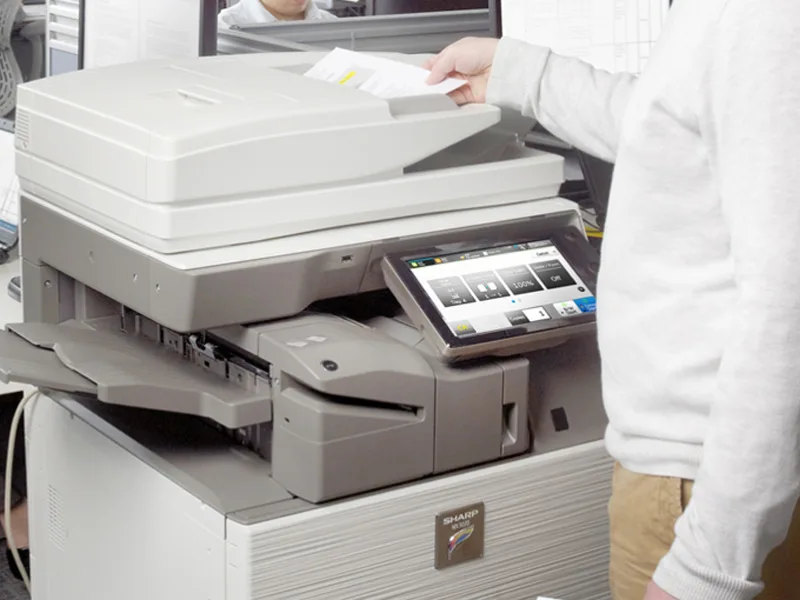 Printers
We are partnered with HP to bring you the world’s best printers at a discount.
Learn More
Printers
We are partnered with HP to bring you the world’s best printers at a discount.
Learn More
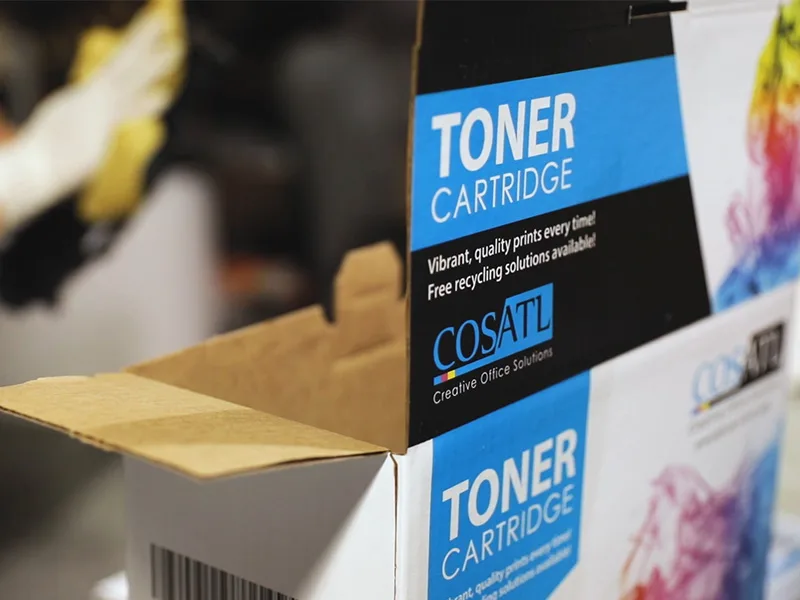 Toner Cartridges
We manufacture toner cartridges right here in Marietta, GA. Try them out!
Learn More
Toner Cartridges
We manufacture toner cartridges right here in Marietta, GA. Try them out!
Learn More
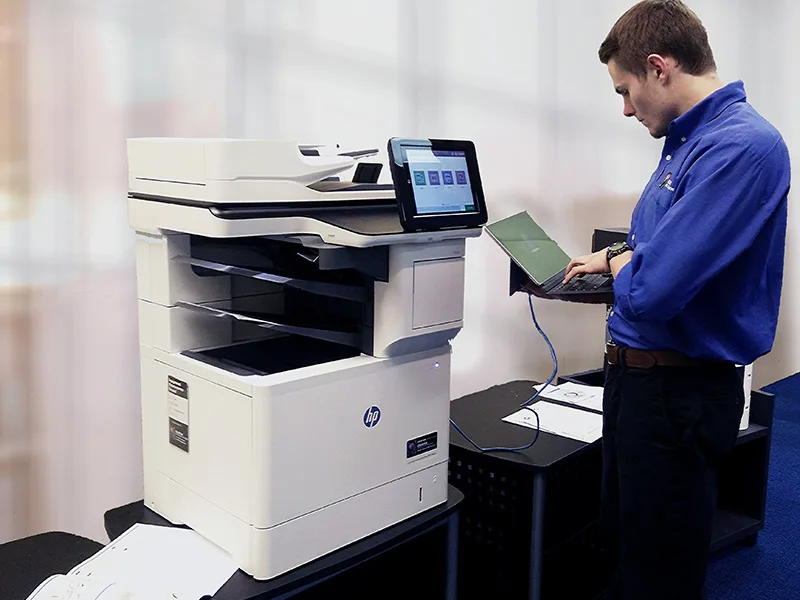 Equipment Repair
Our service department beats industry’s standards for equipment repair.
Learn More
Equipment Repair
Our service department beats industry’s standards for equipment repair.
Learn More