
Business Letter Format: What to Include and How to Address Recipients

Adhering to a standardized business letter format ensures that professional correspondence regarding inquiries, agreements, or legal matters is perceived as credible, authoritative, and easy to read by the recipient.
The Essentials of Professional Letter Structure
The standard business letter format requires specific structural elements including the sender’s contact information, the date, the recipient’s inside address, a formal salutation, the body text, and a complimentary close. Most organizations utilize the Block Format, where all text is left-aligned and single-spaced with double spacing between paragraphs, as it provides the cleanest visual presentation for modern professional letter standards. Adopting this structure prevents miscommunication and aligns with expectations set by established style guides such as The Chicago Manual of Style or The Gregg Reference Manual.
Choosing the Right Layout: Block vs. Modified Block vs. Semi-Block
Selecting the correct layout determines the visual hierarchy of the standard business letter format.
- Full Block Style: The most common and preferred format for business letters. Every line, including the date and signature, is justified to the left margin. It eliminates indentation, streamlining the typing process in word processors like Microsoft Word or Google Docs.
- Modified Block Style: This variation places the date line, complimentary close, and signature block at the horizontal center point or tabbed to the right, while keeping the body text left-aligned. This is acceptable but considered slightly more traditional.
- Semi-Block (Indented) Style: Similar to the Modified Block, but the first line of each paragraph is indented (usually 0.5 inches). This format is rarely used in contemporary formal business letters as it can appear dated.
Header and Dateline Configuration
The top section of a proper business letter format establishes the sender’s identity and the timeline of the correspondence. If using pre-printed Letterhead, which typically contains the company name, logo, address, and contact details, the sender does not need to type their address again; they should begin with the date placed two to six lines below the letterhead. On plain paper, the sender must type their return address (excluding their name) at the very top, followed by the date one line below. The date should be written in full (e.g., October 12, 2026) rather than using numerical slashes.
The Inside Address and Recipient Specifics
The Inside Address is a critical component of a standard letter format, appearing two to four lines below the date on the left margin. This block must include the recipient’s full name, personal title (e.g., Mr., Ms., Dr.), professional job title, company name, and full mailing address. If the specific recipient’s name is unknown, addressing the letter to a specific department title, such as “Director of Human Resources” or “Customer Service Manager,” ensures the mail is routed correctly within the organization.
Salutations: How to Start a Business Letter
The salutation acts as the formal greeting and sets the tone for the entire document. For a formal business letter, the greeting should always use the recipient’s title and last name followed by a colon (e.g., Dear Ms. Johnson:), not a comma, which is reserved for personal or social correspondence. If the gender or name of the recipient is unknown, gender-neutral options such as Dear Hiring Manager: or the increasingly accepted Dear [Job Title]: are preferred over the outdated and impersonal To Whom It May Concern.
Drafting the Body Content
What should the body of a business letter include? The body typically consists of three distinct sections:
- The Opening: A concise sentence stating the purpose of the letter (e.g., “I am writing to inquire about…”).
- The Main Content: One or more paragraphs providing details, justification, or data supporting the opening statement. This section should remain objective and concise.
- The Closing: A final paragraph indicating the expected next steps, a call to action, or an expression of gratitude (e.g., “I look forward to your response regarding this matter.”).
Complimentary Close and Signature Block
The end of a business letter example requires a respectful sign-off known as the complimentary close, placed one double-space below the final body paragraph. “Sincerely,” is the most universally accepted closing for business letters, though “Respectfully,” is appropriate for highly formal situations, and “Best regards,” works for established professional relationships. The Signature Block follows, leaving four blank lines for a handwritten (wet) signature or a digital signature image, followed by the sender’s typed full name and job title.
Enclosures, Typist Initials, and Copy Notations
Complex business letters often require additional notations at the very bottom of the page to track documentation and distribution.
- Enclosure Notation: If documents such as a resume, invoice, or report are attached, type “Enclosure” or “Enc.” followed by a description (e.g., Enc: Q3 Financial Report).
- Copy Notation (cc): If other parties are receiving copies of the letter, use “cc:” followed by their names (e.g., cc: Jane Doe, General Counsel).
- Typist Initials: If an administrative assistant typed the letter on behalf of the author, the author’s initials are capitalized, followed by a slash and the typist’s lowercase initials (e.g., MJ/dr).
Formatting Specifications: Fonts and Margins
Legibility is the primary goal of how to format a business letter. Standard margins should be set to 1 inch on all sides (top, bottom, left, right). The text should use a serif font like Times New Roman or Georgia, or a clean sans-serif font like Arial, Calibri, or Helvetica. The font size must be between 10 and 12 points to ensure readability. Avoid decorative or script fonts, which detract from the professional nature of the document.
Business Letter Template
Use this structure when writing a business letter to ensure all essential entities are included:
[Sender’s Street Address]
[City, State, Zip Code]
[Date]
[Recipient’s Name]
[Recipient’s Job Title]
[Company Name]
[Company Street Address]
[City, State, Zip Code]
Dear [Recipient Title and Last Name]:
[Paragraph 1: Introduction and Purpose]
[Paragraph 2: Details and Supporting Information]
[Paragraph 3: Conclusion and Call to Action]
Sincerely,
[Signature Space]
[Sender’s Typed Name]
[Sender’s Job Title]
Enc: [List of Enclosed Documents]
Email vs. Physical Business Letters
While email has replaced many forms of communication, a physical sample business letter remains the standard for legal notices, formal resignations, contract terminations, and official commendations. When sending a business letter via email, the inside address is omitted, the subject line replaces the purpose statement, and the contact information is moved to the email signature block. However, the tone, grammar, and professional letter format rules regarding body structure and salutations remain applicable to maintain professionalism.
Ensuring Your Correspondence Looks Its Best on Paper
Even the most perfectly formatted business letter loses its impact if the print quality is poor or streaked. To ensure your documents command the respect they deserve, rely on high-performance office technology that delivers crisp, professional results every time. Creative Office Solutions helps Atlanta businesses maintain a polished image with top-tier copiers, printers, and managed print services. For reliable equipment that ensures every communication looks authoritative, visit Creative Office Solutions to upgrade your office technology today.

“Creative Office Solutions came to our office to install a new copier machine. Excellent experience! Professional, communicative, and ensured they met our expectations.”
 Copiers
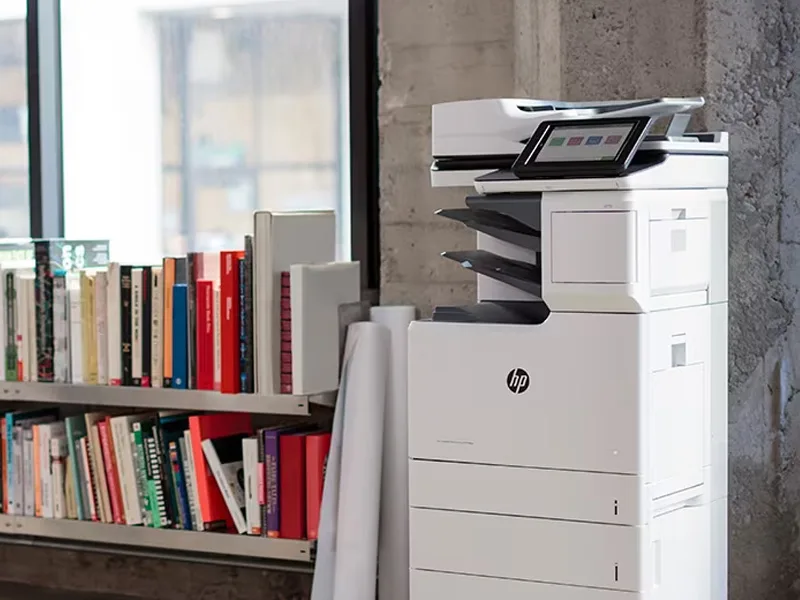
Sharp is the #1 brand for copiers in the metro Atlanta area. Call for a quote!
Learn More
Copiers
Sharp is the #1 brand for copiers in the metro Atlanta area. Call for a quote!
Learn More
 Printers
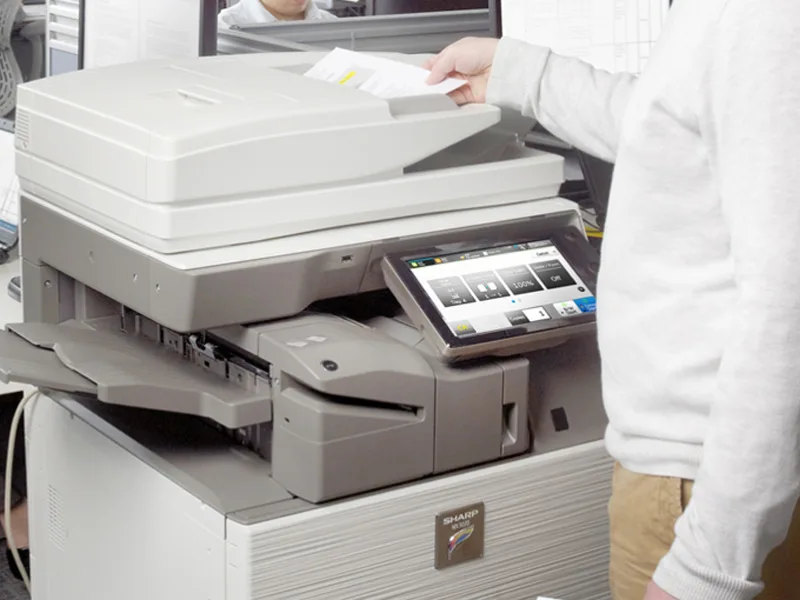
We are partnered with HP to bring you the world’s best printers at a discount.
Learn More
Printers
We are partnered with HP to bring you the world’s best printers at a discount.
Learn More
 Toner Cartridges
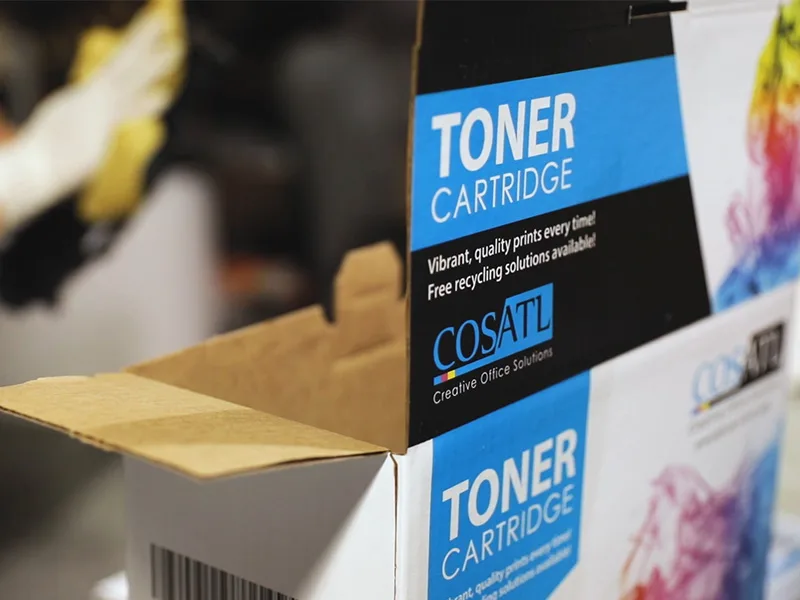
We manufacture toner cartridges right here in Marietta, GA. Try them out!
Learn More
Toner Cartridges
We manufacture toner cartridges right here in Marietta, GA. Try them out!
Learn More
 Equipment Repair
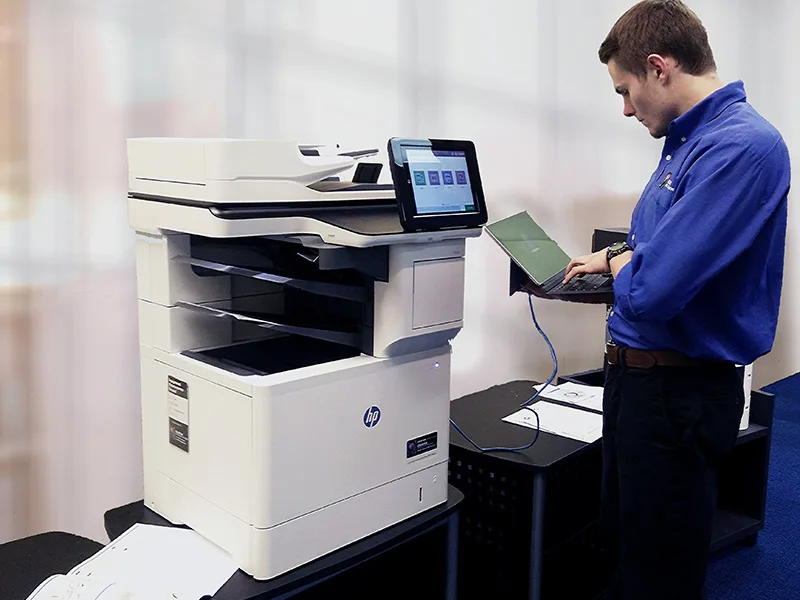
Our service department beats industry’s standards for equipment repair.
Learn More
Equipment Repair
Our service department beats industry’s standards for equipment repair.
Learn More