
Best Printers to Use in Hospital: The 2026 Healthcare Hardware Guide
In the high-stakes environment of a hospital, a printer is never merely an office appliance; it is a critical component of patient care infrastructure. When a label printer jams in the Emergency Room, triage slows down. When a pharmacy printer fails, medication administration is delayed. When a multifunction device has a security vulnerability, it becomes a backdoor for hackers targeting Patient Health Information (PHI).
For hospital administrators, CIOs, and IT directors, selecting the best printers to use in hospital settings requires a rigorous analysis of durability, sanitization protocols, HIPAA compliance, and integration with Electronic Health Records (EHR) systems like Epic, Cerner, and Meditech.
This comprehensive guide breaks down the specific hardware requirements for different clinical zones and identifies the heavy-duty machinery required to keep a medical facility running without interruption.
The “Non-Negotiables” of Healthcare Printing
Before evaluating specific models, procurement teams must understand the three pillars that separate consumer-grade hardware from medical-grade devices.
1. Disinfectant-Ready Plastics
Hospital-acquired infections (HAIs) are a massive liability. Equipment in clinical areas must be wiped down frequently with harsh chemicals, including sodium hypochlorite (bleach), hydrogen peroxide, and quaternary ammonium. Standard gray or white ABS plastic found on Best Buy shelves will crack, yellow, and become brittle under this regimen. Medical-grade printers feature specific resin housings designed to withstand tens of thousands of wipe-downs without structural failure.
2. HIPAA and Endpoint Security
Modern networked printers are essentially computers with hard drives. To comply with HIPAA and HITECH regulations, the printer for hospital use must support:
- Pull Printing/Secure Release: The job is sent to the queue but only prints when the user taps their ID badge (via HID card readers) or enters a PIN at the device. This prevents sensitive labs or insurance forms from sitting unattended in the output tray.
- BIOS Protection: Self-healing firmware that detects malicious code during boot-up (such as HP Wolf Security).
- Whitelisting: Ensuring only authorized firmware can be loaded onto the device.
3. EHR Integration
The hardware must communicate seamlessly with hospital networks. This often involves compatibility with virtualization platforms like Citrix or VMWare and direct certification with major EHR providers to ensure that wristbands and prescription labels print correctly every time, without requiring complex driver workarounds.
Zone 1: Admissions and ER Triage
The Requirement: Speed, Zero Downtime, Patient Identification.
The most critical printing event happens the moment a patient walks through the door. The patient ID wristband acts as the source of truth for all subsequent medication and surgical procedures.
The Industry Standard: Zebra ZD510-HC Wristband Printing Solution
For patient identification, Zebra is the unrivaled leader. The ZD510-HC is engineered specifically for the chaotic admission environment.
- Cartridge Loading: Unlike standard thermal printers that require threading ribbons and aligning rolls, this unit uses a drop-in cartridge. A nurse can reload the machine in five seconds with one hand.
- Antimicrobial Coating: The casing is silver-ion coated to inhibit bacterial growth.
- Durability: It prints on Z-Band wristbands, which are up to six times more durable than standard thermal bands, ensuring barcodes remain scannable even after exposure to hand sanitizers and foams.
For facilities in the Metro Atlanta area, utilizing a Zebra Business Partner like Creative Office Solutions (COS) ensures that these mission-critical devices are not only sourced correctly but supported by local technicians who understand the urgency of ER workflows.
The Desktop Alternative: Zebra ZD611-HC
For printing specimen labels, blood vial tags, and asset labels, the ZD611-HC is the premium 4-inch desktop printer. It includes a medical-grade power supply (IEC 60601-1 compliant) to ensure electrical safety in patient rooms.
Zone 2: Nurses’ Stations and Clinical Floors
The Requirement: Secure Prescription Printing, Discharge Summaries, Compact Footprint.
Nurses’ stations are high-traffic hubs. The printers here must be fast enough to handle discharge papers but secure enough to handle controlled prescriptions.
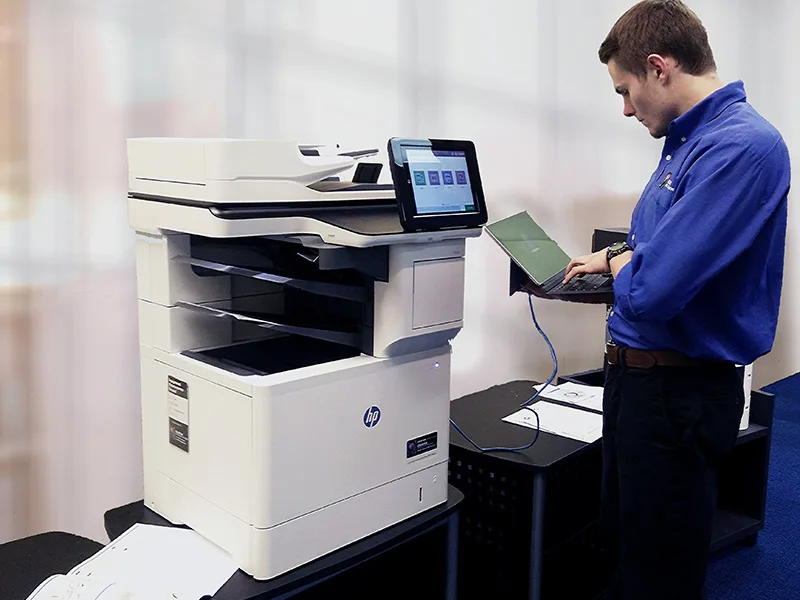
The Top Contender: HP LaserJet Enterprise M600 Series
When looking for a reliable black-and-white printer for hospital floors, the HP LaserJet Enterprise series (specifically the M608 and M609 models) is the standard-bearer.
- Security: HP markets these as the world’s most secure printers. They feature “Run-time Intrusion Detection,” which monitors memory activity to detect and stop attacks in real-time.
- Uptime: These machines are designed for high monthly duty cycles, meaning they handle the relentless volume of a busy ward without overheating or jamming.
- Hardware Integration: They easily integrate with third-party secure pull-printing software like PaperCut or Equitrac.
Why Lockable Trays Matter:
For printers handling prescription paper (Rx stock), physical security is as important as digital security. Many hospitals opt for models that support locking paper trays to prevent the theft of controlled stationery. Printers supplied by specialized vendors can be outfitted with these locking mechanisms and trusted platform modules (TPM) to encrypt credentials stored on the device.
Zone 3: Medical Records and Administration
The Requirement: High-Volume Digitization, Formatting Versatility, Cost Control.
The back office is the engine room of the hospital. Here, the need shifts from wristbands to high-speed document processing. This requires a heavy duty scanner/printer for hospital administrative blocks, capable of digitizing thousands of pages of insurance records, invoices, and legacy paper files.
The Powerhouse: Sharp MX Series Multifunction Printers (MFPs)
Sharp has carved out a dominant niche in healthcare due to the user-friendliness of its interface and the speed of its scanning hardware. Models like the Sharp MX-3071 or MX-6071 are ideal.
- Single-Pass Duplexing: These machines scan both sides of a document simultaneously at speeds up to 200 images per minute. This is vital for medical records departments that need to upload physical files into the EHR rapidly.
- Retractable Keyboards: Many Sharp models feature a full-size pull-out keyboard, allowing staff to type accurate filenames and metadata directly at the machine, reducing indexing errors.
- Optical Character Recognition (OCR): The ability to convert scanned images into searchable PDFs automatically, making data retrieval significantly faster for billing departments.
Because these machines are capital-intensive, most institutions choose to lease copiers rather than buy them. This moves the expense from CapEx to OpEx and typically includes a full service agreement.
Zone 4: The Pharmacy
The Requirement: Precision, Small Media Handling.
Pharmacy printing is unique. It involves printing tiny instruction labels for vials, blister packs, and IV bags.
- Thermal Transfer: Unlike direct thermal (which fades with heat), pharmacy labels often use thermal transfer technology for longevity.
- Zebra ZD421: A versatile choice often found in pharmacies for its ability to handle different media widths and its compact footprint on crowded counters.
The Operational Strategy: Managed Print Services (MPS)
Identifying the hardware is only half the battle. A mid-sized hospital may have 500+ printing devices scattered across multiple floors and buildings. Managing toner levels, maintenance kits, and error codes for this fleet is a nightmare for internal IT teams.
This is why modern hospitals are shifting toward Managed Print Services (MPS).
How MPS Works in Healthcare:
- Remote Monitoring: The provider installs software that monitors the status of every printer on the network.
- Automated Supplies: When a printer in the Oncology wing hits 20% toner, a replacement cartridge is automatically shipped to the specific location. No nurse ever has to call the helpdesk for toner.
- Predictive Maintenance: The service provider receives alerts for hardware errors (like worn rollers or fuser issues) often before the machine actually fails, allowing for proactive repairs.
The Importance of Local Support
In healthcare, response time is a safety issue. National vendors often rely on third-party subcontractors, leading to delays. Creative Office Solutions (COS) has differentiated itself by offering a 4-hour average support response time.
Furthermore, COS manufactures its own HP-compatible toner cartridges locally in Marietta, GA. In an era of global supply chain disruptions, having a local manufacturing source for toner ensures that the hospital never runs dry.
Building a Resilient Fleet
To build a reliable print environment, hospital decision-makers should follow this checklist:
- Standardize the Fleet: Stick to one or two major manufacturers (e.g., HP for laser, Zebra for thermal, Sharp for MFPs). This simplifies driver management and supply inventory.
- Audit for Security: Ensure every device has hard drive encryption enabled and is behind the hospital firewall.
- Choose a Partner, Not a Vendor: You need a service provider who understands that a broken printer in the ER is an emergency.
For healthcare facilities in Atlanta, Marietta, Alpharetta, Creative Office Solutions offers specialized consultations to optimize clinical workflows. Whether it is a heavy duty scanner/printer for hospital blueprints during a new wing construction or a fleet of thermal printers for admissions, reliability is the only metric that matters.

“Creative Office Solutions came to our office to install a new copier machine. Excellent experience! Professional, communicative, and ensured they met our expectations.”
 Copiers
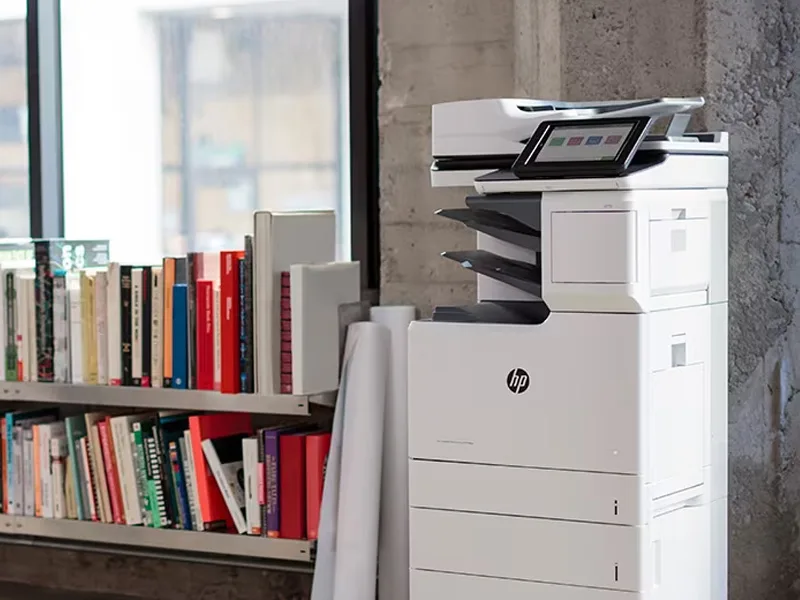
Sharp is the #1 brand for copiers in the metro Atlanta area. Call for a quote!
Learn More
Copiers
Sharp is the #1 brand for copiers in the metro Atlanta area. Call for a quote!
Learn More
 Printers
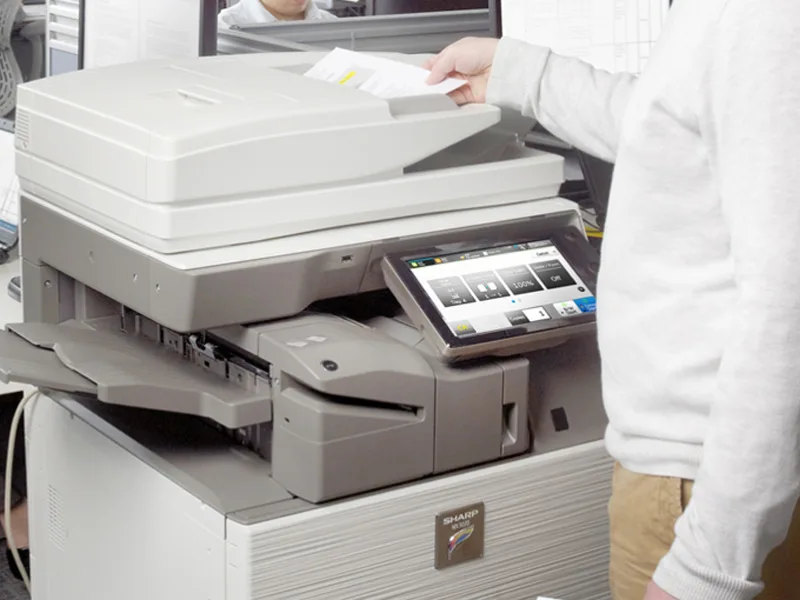
We are partnered with HP to bring you the world’s best printers at a discount.
Learn More
Printers
We are partnered with HP to bring you the world’s best printers at a discount.
Learn More
 Toner Cartridges
We manufacture toner cartridges right here in Marietta, GA. Try them out!
Learn More
Toner Cartridges
We manufacture toner cartridges right here in Marietta, GA. Try them out!
Learn More
 Equipment Repair
Our service department beats industry’s standards for equipment repair.
Learn More
Equipment Repair
Our service department beats industry’s standards for equipment repair.
Learn More