
Best Printer for a Medical Office: Security, Speed, and Reliability
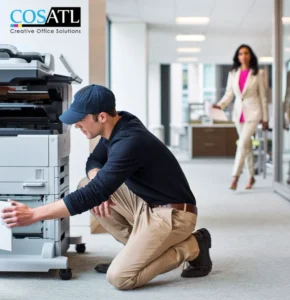
In the high-stakes environment of healthcare, a printer is never just a printer. It is a vital component of patient intake, clinical workflow, and pharmacy communication.
Selecting the best printer for a medical office requires looking beyond pages per minute (PPM). You must navigate a complex landscape of HIPAA regulations, Electronic Health Record (EHR) integration, and strict sanitation protocols.
This comprehensive guide breaks down the top printers for medical offices, the specific features required for healthcare compliance, and why choosing the right service partner is just as important as the hardware itself.
The Three Pillars of Medical Printing
Before analyzing specific models, it is crucial to understand the non-negotiable requirements for healthcare hardware. If a device fails in these three areas, it is a liability to your practice.
1. HIPAA Compliance and Data Security
Medical offices handle Protected Health Information (PHI) daily. Modern printers have hard drives that store images of every document scanned, copied, or printed.
- Data Encryption: Your device must support hard drive encryption to prevent data theft if the machine is physically stolen.
- Secure Print Release: Also known as “Pull Printing,” this feature holds a job in the queue until the authorized user authenticates at the device via PIN code or ID badge. This prevents sensitive prescriptions or lab results from sitting unattended in the output tray – a common HIPAA violation.
- Audit Trails: Administrators should be able to track who printed what and when.
2. EHR/EMR Integration
The hardware must integrate seamlessly with your practice management software, whether you use Epic, Cerner, Meditech, or specialized dental/vision software. Compatibility ensures that scanning patient IDs or insurance cards flows directly into the patient’s digital chart without manual file naming or complex routing.
3. Reliability and Speed
In a busy office, “First Page Out Time” (FPOT) matters more than total speed. Front desk staff cannot wait 20 seconds for a printer to warm up while a line of patients forms. Furthermore, the equipment must be robust enough to handle high monthly volumes without jamming.
The Front Desk Workhorse: HP LaserJet Enterprise Solutions
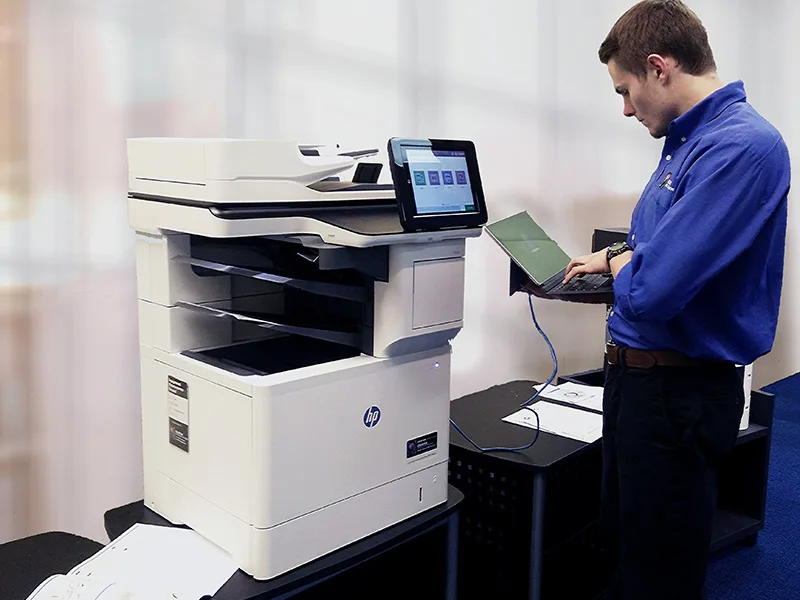
For standard document printing – prescriptions, referral letters, and patient education materials – HP remains the industry leader. However, medical offices should avoid consumer-grade “Pro” models found at big-box stores. The HP LaserJet Enterprise series is the standard for healthcare for several reasons.
Security First
HP markets the world’s most secure printers. Their Enterprise line features HP Wolf Security, which includes self-healing BIOS. If malware attempts to attack the printer’s firmware (a growing vector for cyberattacks), the machine detects the anomaly, shuts down, and reboots with a clean version of the BIOS automatically.
Recommended Models
For high-volume administrative desks, the HP LaserJet Enterprise M406dn or the robust M600 series are top contenders. They offer rapid wake-up times and high-capacity trays, reducing the frequency of paper refills during peak hours.
If you are looking to upgrade your fleet, Creative Office Solutions specializes in HP printers for business, ensuring you get the enterprise-level security features that consumer models lack.
The Central Command Hub: Sharp Multifunction Printers (MFPs)
While single-function printers handle the output, the Multifunction Printer (MFP) is the input hub of the medical office. You need a machine that can scan, fax, copy, and organize digital files efficiently.
Sharp Electronics has carved out a niche as the preferred MFP brand for healthcare environments due to their user interface and specialized scanning capabilities.
The “ID Card Shot” Feature
One of the biggest bottlenecks at patient intake is copying insurance cards and driver’s licenses. Sharp MFPs feature a dedicated “Card Shot” mode. Staff can place the card on the glass, and the machine automatically scans both sides and centers them on a single page (or digital file) in one pass. This saves significant time and reduces paper waste.
Touchscreen Efficiency
Sharp’s large, tablet-style touchscreens are customizable. You can create one-touch buttons for common workflows, such as “Scan to Pharmacy” or “Upload to New Patient Records.”
For clinics in Alpharetta or Sandy Springs looking to streamline intake, Sharp copiers and MFPs offer the perfect balance of sophisticated technology and ease of use.
Clinical & Laboratory Printing: Zebra Thermal Solutions
Laser printers are not suitable for every task. When it comes to patient wristbands, specimen labels, or asset tags, standard toner rubs off, and paper labels disintegrate when wet. This creates a dangerous patient safety risk.
Zebra Technologies is the global standard for healthcare thermal printing. Their “HC” (Healthcare) line of printers is specifically engineered for clinical environments.
Disinfectant-Ready Plastics
In a medical office, surfaces are constantly wiped down with harsh chemicals like ammonium, bleach, or hydrogen peroxide. Standard plastic casings become brittle and crack under this regimen. Zebra’s healthcare printers use UV-resistant, disinfectant-ready plastics that can withstand rigorous cleaning protocols.
Top Models for Medical Use
- Zebra ZD510-HC: The easiest wristband printer on the market. It utilizes a cartridge-based loading system that is impossible to load incorrectly, ensuring nurses can reload media in seconds.
- Zebra ZD411-HC: A compact 2-inch desktop printer perfect for printing specimen labels at the point of care (e.g., inside the phlebotomy lab or exam room).
As a Zebra Business Partner, Creative Office Solutions can assist with Zebra thermal printers, ensuring your labels remain legible throughout the patient’s entire journey.
The Hidden Cost: Toner and Maintenance
Buying the printer is the easy part. The true challenge for an Office Manager or IT Director is keeping that fleet operational. In a medical office, downtime is not an option. If the prescription printer jams on a Monday morning, patient care halts.
This is where the choice of vendor becomes critical. Many medical offices make the mistake of buying hardware online, only to find themselves without support when a fuser breaks or a network error occurs.
The Advantage of Local Managed Print Services (MPS)
For medical practices in the Atlanta Metro area, utilizing a Managed Print Services provider is the most cost-effective strategy. Managed Print Services (MPS) consolidates all your printing needs – toner, repairs, and maintenance – into a single, predictable service.
Creative Office Solutions (COS) stands out in the Georgia market for several key reasons:
- 4-Hour Average Response Time: When a machine goes down, speed is everything. COS technicians are local and responsive, minimizing disruption to your clinic.
- Locally Manufactured Toner: Unlike competitors who rely on unpredictable supply chains, COS manufactures high-quality, HP-compatible toner cartridges right in Marietta, GA. This ensures immediate availability and lower costs for your practice.
- Proactive Monitoring: Through remote monitoring software, COS tracks your toner levels and error codes. They often arrive to fix a problem or deliver supplies before you even know the machine is low.
Wide Format for Hospital Facilities
While not a daily need for a small clinic, larger medical groups and hospitals often require wide format printers. These are essential for printing architectural blueprints for facility expansions, wayfinding signage, or large-scale anatomical charts for teaching hospitals.
Having a local partner who can service these massive machines, or provide short-term rentals for construction projects, is a logistical necessity for facility managers.
Environmental Responsibility in Healthcare
Sustainability is becoming a priority for many healthcare organizations. The volume of waste generated by toner cartridges is significant.
A “best” printer solution includes an end-of-life plan for consumables. Creative Office Solutions offers a streamlined recycling program, providing collection boxes and handling the disposal of used cartridges. This helps medical offices meet their green initiatives without adding administrative burden to the staff.
Partnering for Success
The best printer for a medical office is arguably not a single machine, but a fleet strategy that combines the security of HP, the workflow efficiency of Sharp, and the durability of Zebra.
However, the hardware is only as good as the support team behind it. For medical offices in Atlanta, Marietta, Kennesaw, and beyond, Creative Office Solutions offers the expertise required to navigate the complexities of healthcare printing.
Founded by Bob Fox, a veteran of the industry who prioritizes customer loyalty, COS understands that medical providers need partners, not just vendors. Whether you need equipment repair for an aging fleet or a full consultation to upgrade your technology, local expertise ensures your focus remains on medicine, not maintenance.
Ready to Optimize Your Medical Office?
Don’t let printer problems impact patient care. Contact the local experts who understand the unique demands of Georgia’s healthcare providers.
- Visit: Creative Office Solutions
- Call: (678) 501-4030
Connect: Contact Us

“Creative Office Solutions came to our office to install a new copier machine. Excellent experience! Professional, communicative, and ensured they met our expectations.”
 Copiers
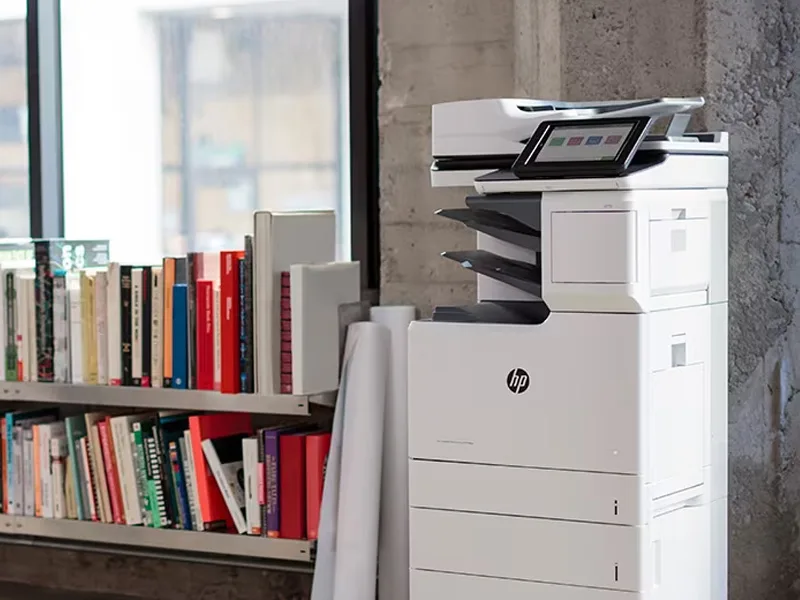
Sharp is the #1 brand for copiers in the metro Atlanta area. Call for a quote!
Learn More
Copiers
Sharp is the #1 brand for copiers in the metro Atlanta area. Call for a quote!
Learn More
 Printers
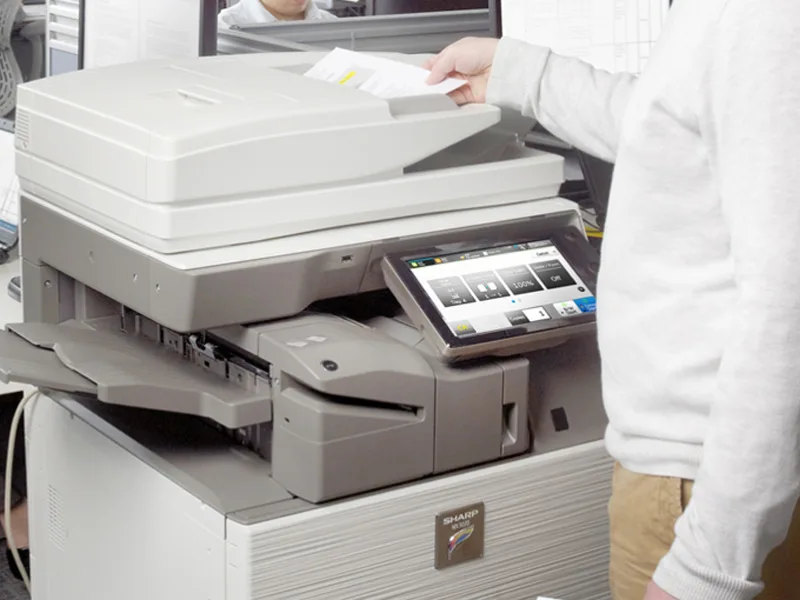
We are partnered with HP to bring you the world’s best printers at a discount.
Learn More
Printers
We are partnered with HP to bring you the world’s best printers at a discount.
Learn More
 Toner Cartridges
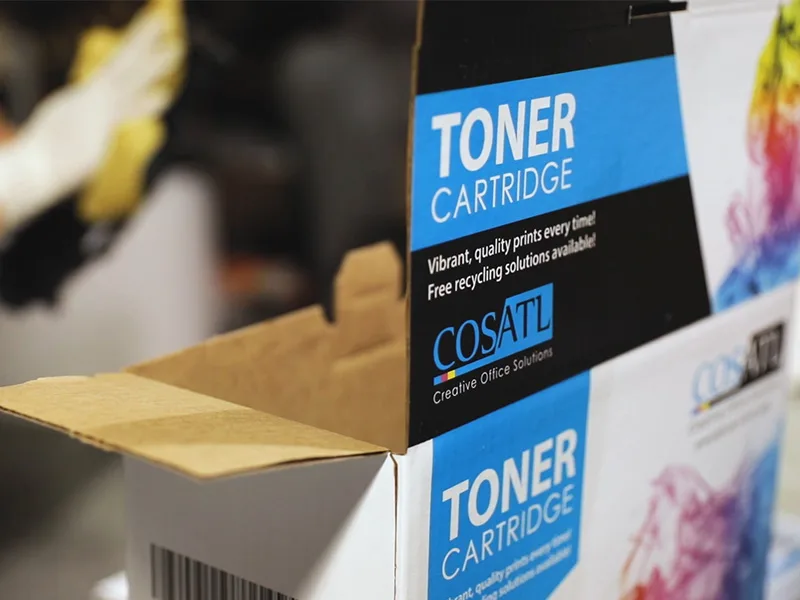
We manufacture toner cartridges right here in Marietta, GA. Try them out!
Learn More
Toner Cartridges
We manufacture toner cartridges right here in Marietta, GA. Try them out!
Learn More
 Equipment Repair
Our service department beats industry’s standards for equipment repair.
Learn More
Equipment Repair
Our service department beats industry’s standards for equipment repair.
Learn More