A3 vs. A4 Commercial Copiers: Are You Overspending on Features You Don’t Need?

In the world of office hardware, there is a persistent, expensive myth: To be a “real” business, you need an A3 multifunction printer.
Walk into the average corporate office, and you will almost invariably find a massive, floor-standing A3 copier sitting in the corner. It hums, it glows, and it occupies a significant piece of expensive real estate. But if you were to stand by that machine for a week and track every single job produced, you would likely find that 95% of the output is standard 8.5″ x 11″ (Letter) paper.
As an office equipment consultant, my job isn’t just to sell hardware; it’s to ensure my clients are investing their capital where it actually provides value. Often, I see businesses spending thousands of dollars more than necessary on machines they don’t actually need.
In this article, we’re going to break down the differences between A3 (11″ x 17″) and A4 (8.5″ x 11″) commercial copiers and help you decide if you’re falling for the “big machine” trap.
Defining the Contenders
To understand the cost discrepancy, we have to look at the architecture of these machines.
The A3 MFP (The “Heavy Lifter”)
The A3 machine is designed to handle paper up to 11″ x 17″ (ledger size). Because it must accommodate a wider paper path, the internal chassis, the drum units, and the scanning bed are significantly larger.
- Best for: Engineering firms, architectural offices, marketing agencies, or any business that frequently prints booklets, architectural schematics, or large-format spreadsheets.
- The Cost: Because of the complex engineering and size, these machines are expensive to purchase and often carry higher maintenance and service contract costs.
The A4 MFP (The “Efficiency Expert”)
The A4 machine is built for the standard letter-sized office. It is compact, often desktop-capable (or floor-standing with a storage cabinet), and streamlined. It performs the exact same digital functions – scanning, emailing, faxing, and printing – as its A3 counterpart, but it is restricted to letter and legal paper sizes.
- Best for: Law firms (that don’t need ledger paper), accounting departments, medical clinics, schools, and general administrative offices.
- The Cost: A4 machines are exponentially more cost-effective. They use fewer raw materials, have smaller footprints, and consume less energy.
The “Habitual Overspending” Trap
Why do companies buy A3 machines when they only need A4? It usually comes down to three things: Industry norms, fear of limitations, and outdated procurement habits.
1. “But what if we need to print a 11×17?”
This is the number one reason I hear for choosing an A3 machine. The logic goes: “It’s better to have it and not need it than to need it and not have it.”
While that sounds prudent in theory, in practice, it’s a waste of capital. If you print 11×17 documents only once or twice a year, you are paying a massive “subscription fee” for that capability every single day.
The Expert Solution: If you only print large-format documents occasionally, it is almost always cheaper to outsource those specific print jobs to a local print shop or keep one shared A3 machine in a central location for the entire floor, while equipping individual departments with efficient A4 workhorses.
2. The “Bigger is Better” Fallacy
There is a psychological component to office equipment. A floor-standing, high-volume A3 copier looks “professional.” It looks like it belongs in an office. A desktop A4 printer, by contrast, can sometimes look like a consumer-grade peripheral.
However, modern A4 commercial MFPs are not consumer junk. They are enterprise-grade machines that offer the same high-speed scanning, robust security protocols (encrypted hard drives, user authentication, etc.), and cloud integration as the large A3 units. When you pay for an A3 machine just to fill a corner, you are essentially paying for “office theater” rather than utility.
3. The Service Contract Trap
Many procurement managers are locked into legacy service agreements. If your vendor has historically sold you A3 machines, their margins are higher, and their service technician routes are optimized for those specific large units. They may not be incentivized to suggest the A4 alternative because it reduces the total contract value. At Creative Office Solutions, we believe in radical transparency. We look at your print volume, not your historical footprint, to determine your actual needs.
Key Performance Metrics: A4 vs. A3
Before you sign your next lease, compare these four categories:
1. Physical Footprint
Space is money. In high-rent urban offices, every square foot is premium. A3 machines require a larger footprint, which means you’re essentially paying monthly rent to “store” a machine that is wider than it needs to be. A4 machines can sit on a desk or tucked under a counter, freeing up floor space for a workstation or extra storage.
2. Total Cost of Ownership
The purchase price is only the tip of the iceberg.
- Service Contracts: You pay per click (impression) on most commercial machines. A4 machines generally have lower maintenance costs because the internal components are smaller and less prone to the mechanical wear-and-tear associated with the complex paper paths of A3 machines.
- Energy Consumption: A smaller machine requires less power to heat the fuser units and run the motor, leading to lower monthly utility costs.
3. Ease of Use
A3 machines are often complex. They feature extra trays, bypass feeders, and finishing options (stapling, booklet folding) that many employees find confusing. A4 machines offer a simplified user experience. Less complexity means fewer “paper jams” caused by user error and fewer calls to your IT department for help.
4. Sustainability
We live in an era of Environmental, Social, and Governance targets. Smaller machines mean lower carbon footprints in manufacturing, lower energy usage during their lifecycle, and less waste when it comes time to recycle or decommission the unit. If your company has green initiatives, switching to an A4-dominant fleet is an easy win.
When SHOULD You Stick with A3?
I want to be clear: A3 machines are not “bad.” They are essential for specific use cases. If you answer “Yes” to any of the following, an A3 machine is the correct choice:
- Do you produce booklets? If you are printing marketing brochures or training manuals that require an 11×17 fold, an A3 machine with an integrated booklet maker is a lifesaver.
- Are you in AEC (Architecture, Engineering, Construction)? These industries rely on A3 output for blueprints and site plans. Printing these on smaller paper makes them unusable.
- Do you have high-volume centralized printing? If you have a department that prints 50,000+ pages a month, a heavy-duty, floor-standing A3 machine is built for the high-volume speed and durability required to keep that department running.
If, however, your primary output is invoices, memos, spreadsheets, and contracts, the A3 machine is an expensive luxury you don’t need.
How to Audit Your Own Needs
If you’re unsure if you’re overspending, perform this quick audit of your current fleet:
- Step 1: Check the Drawer. Open the paper trays on your machines. Are they filled with 11×17 paper? Is there even paper in that tray?
- Step 2: Check the Logs. Ask your managed print provider for a usage report. How many of the total “clicks” were on 11×17 paper? If the number is less than 5% of your total volume, you are paying a premium for a feature you aren’t using.
- Step 3: Analyze the “Why.” If you use the machine for scanning, does it need to scan A3? Most legal documents are standardized to 8.5″ x 14″. A4 machines can handle legal-sized paper with a legal-length tray. You don’t need a massive A3 scanner for standard legal paperwork.
The COS Philosophy: Right-Sizing Your Fleet
At COS, my goal is to build long-term partnerships, not just move units. If I sell you a machine you don’t need, I lose your trust. If I help you save 30% on your print costs by migrating your fleet to the right-sized A4 equipment, I win a client for life.
When we consult with a new client, we look at their workflow, not their prestige. We ask:
- How many people are using this device?
- What is the largest paper size you actually use in a month?
- Is the physical space optimized for the hardware, or is the hardware dictating the space?
If you are currently trapped in a lease for massive, underutilized copiers, don’t feel like you’re stuck until the end of time. There are always options to restructure contracts or transition to more efficient hardware.
Final Thoughts
Stop paying for the “idea” of a printer and start paying for the utility you actually need. In 2024, the best office is an efficient office. Sometimes, the most professional choice you can make isn’t the biggest, loudest machine in the room – it’s the one that does the job perfectly, fits in the space you have, and respects your bottom line.
Ready to find out if your fleet is oversized? Reach out to the experts at COS today for a no-pressure print audit. Let’s make sure your office budget is working as hard as you are.

“Creative Office Solutions came to our office to install a new copier machine. Excellent experience! Professional, communicative, and ensured they met our expectations.”
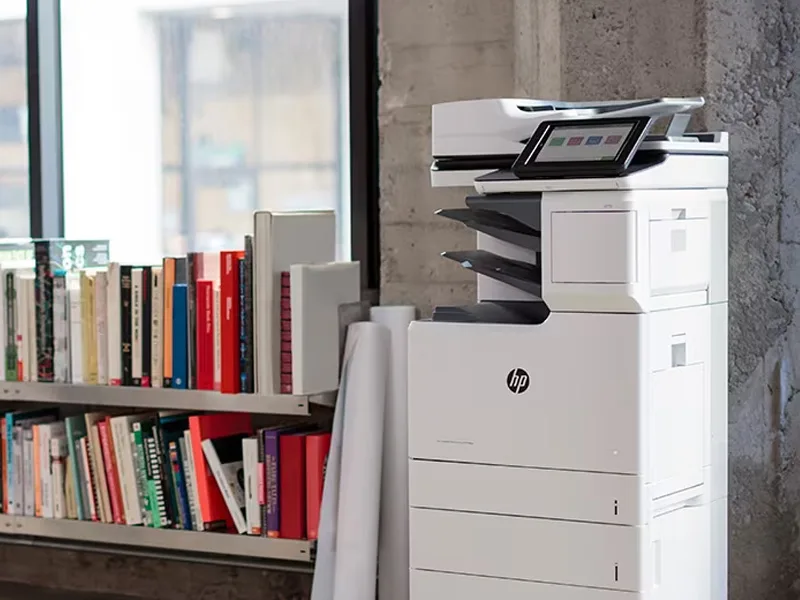 Copiers
Sharp is the #1 brand for copiers in the metro Atlanta area. Call for a quote!
Learn More
Copiers
Sharp is the #1 brand for copiers in the metro Atlanta area. Call for a quote!
Learn More
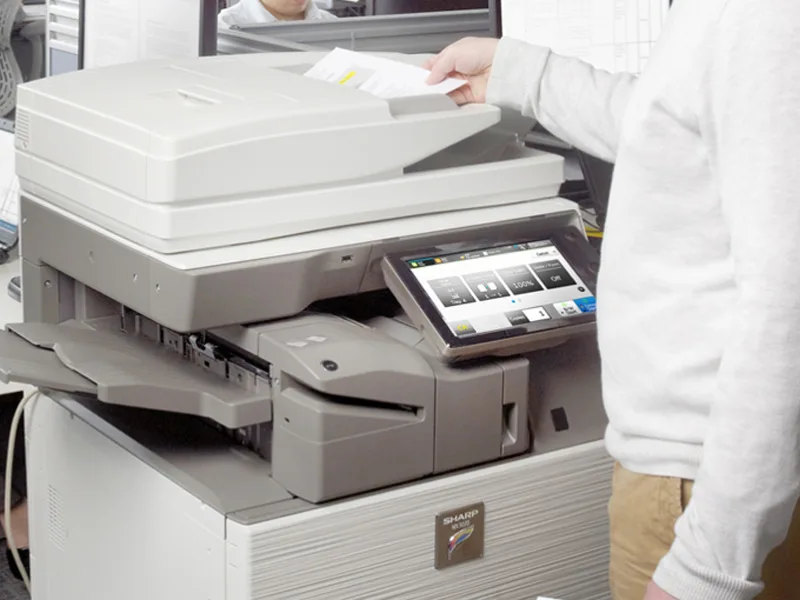 Printers
We are partnered with HP to bring you the world’s best printers at a discount.
Learn More
Printers
We are partnered with HP to bring you the world’s best printers at a discount.
Learn More
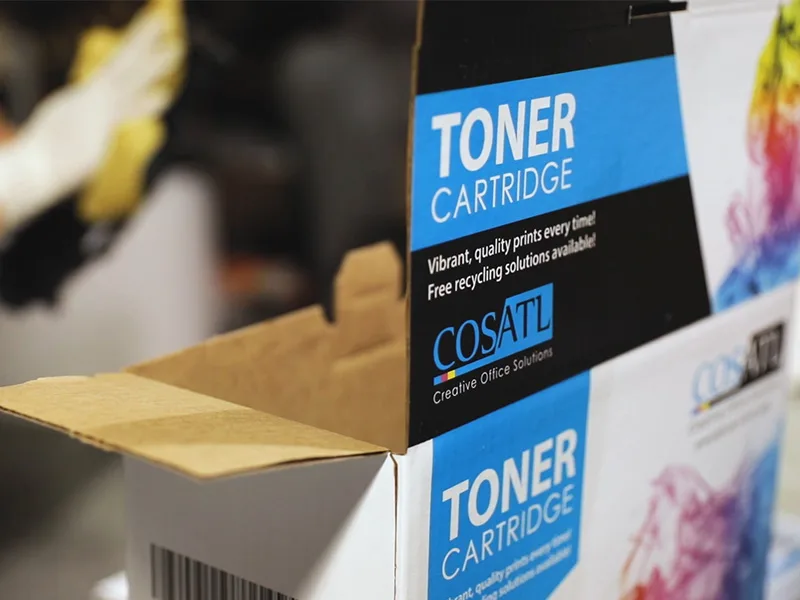 Toner Cartridges
We manufacture toner cartridges right here in Marietta, GA. Try them out!
Learn More
Toner Cartridges
We manufacture toner cartridges right here in Marietta, GA. Try them out!
Learn More
 Equipment Repair
Our service department beats industry’s standards for equipment repair.
Learn More
Equipment Repair
Our service department beats industry’s standards for equipment repair.
Learn More