Is It Time to Update Your Office Printer?

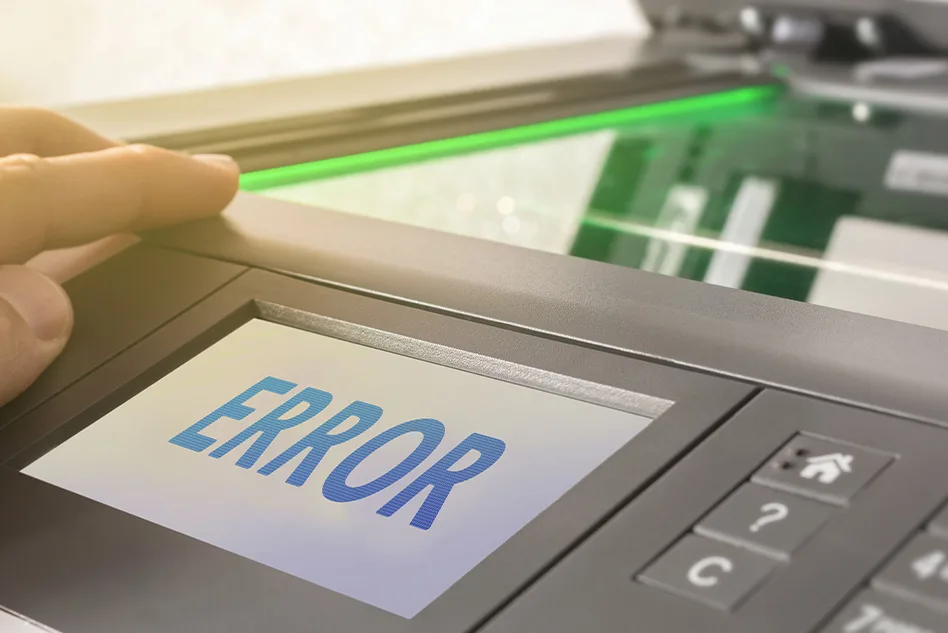
Is It Time to Upgrade Your Office Printer? Find Out Now
In the ever-evolving world of office technology, upgrading your printer can significantly boost productivity and reduce long-term costs. This guide explores essential factors, including when it’s time to buy a new printer and not repair it, and whether it’s cost-effective to repair a printer.
The Age of Your Printer Matters
One of the most critical indicators that it might be time for a printer update is the age of your current machine. In today’s fast-paced printing industry, technology evolves rapidly. New printer generations seem to emerge every one to two years, rendering older models obsolete sooner than ever before. This rapid advancement can necessitate more frequent printer updates to keep up with evolving technology and software. Experts recommend upgrading office printers every 3 to 5 years to avoid cybersecurity risks from outdated hardware and firmware, such as those found in older Canon imageCLASS models. High-volume laser printers, for instance, can last up to 7-8 years with proper maintenance, but average business use often warrants an upgrade around the 5-year mark to maintain efficiency.
Even if your printer hasn’t reached its end-of-life, it’s essential to evaluate its maintenance history. Routine servicing is crucial to replacing worn parts and ensuring optimal efficiency. As printers age, they can become more costly to maintain, ultimately making the purchase of a new machine a more cost-effective choice. For example, if your Ricoh Aficio or Xerox AltaLink multifunction printer (MFP) starts requiring frequent fixes for issues like paper jams or error messages, the cumulative expenses can add up quickly.
Signs It’s Time for an Upgrade
Beyond age, several red flags signal the need for an office copier upgrade or printer replacement. Frequent breakdowns, such as lagging performance, glitching, or strange noises in models like the Epson Workforce, indicate underlying wear. If your device is over five years old, it may lack modern features like mobile printing, cloud integration, or enhanced security protocols, which are standard in newer HP Wolf Security-equipped printers or Kyocera TASKalfa copiers. Upgrading can also lower electricity and maintenance bills, provide better access to replacement parts, and improve overall security against cyber threats.
Repair vs. Replacement: Making the Right Call
A key dilemma many face is determining if it’s cost-effective to repair a printer. As a general rule, if repair costs exceed 50% of a comparable new model’s price – such as replacing parts in an older Canon Pixma versus buying a fresh Fujifilm Apeos – it’s often wiser to invest in a replacement. For commercial-grade laser printers or MFPs like the Ricoh IM series, minor issues such as faulty rollers or connectivity glitches can be fixed affordably, extending the device’s life.
When it’s time to buy a new printer and not repair it, consider factors like increasing operational costs, technological obsolescence, and slow performance. If your printer demands more than four repair calls annually or can’t handle rising print volumes, replacement becomes the smarter option. Leasing options for office copiers, often on 36-month cycles, allow businesses to upgrade seamlessly without large upfront costs, incorporating the latest features from brands like Toshiba or Sharp.
3 Questions to Determine Your Printer’s Fate
When considering a printer update, ask yourself these three vital questions:
- Quality: Are you satisfied with the quality of prints your current printer delivers?
- Speed: How long does it take to produce a print? Is it slowing down your workflow? Modern MFPs from HP or Canon offer faster speeds and automatic features like duplex printing and stapling.
- Cost per Print: Are you spending more than you should on printing materials and maintenance? High toner costs in outdated models can be mitigated by switching to efficient alternatives like the Xerox VersaLink.
Considerations When Choosing a New Printer
As you embark on the journey to select a new printer, there are several factors to keep in mind:
- Functionality: Ensure that the new printer meets your specific requirements and offers improved functionality, such as scanning and faxing in all-in-one devices from Epson or HP.
- Speed and Quality: Evaluate the printing speed and the quality of the output. Will it meet your demands? High-volume copiers like the Canon imageRUNNER ADVANCE series excel in demanding environments.
- Print Size: Consider the maximum print size offered by the new machine, especially for wide-format needs in Brother or Ricoh models.
- Ease of Use: Compare the user-friendliness of the new printer with your current one. A smooth transition is essential, with intuitive interfaces in modern Xerox AltaLink or Fujifilm Apeos devices.
- Toner Compatibility: Determine whether the new printer uses the same toner cartridge as your current one or if it requires a different cartridge. Eco-friendly options, like HP’s tamper-resistant toner, add value.
Prioritize energy-efficient models to cut utility bills and incorporate security features like intrusion detection in HP Wolf Security suites. For businesses, an office copier upgrade can support hybrid work with mobile apps and cloud connectivity, reducing downtime and enhancing productivity.
Frequently Asked Questions
How often should I upgrade my office printer?
Experts recommend upgrading office printers every 3 to 5 years to avoid cybersecurity risks from outdated hardware and firmware. High-volume laser printers can last up to 7-8 years with proper maintenance, but average business use often warrants an upgrade around the 5-year mark for efficiency.
What are the signs that it’s time to upgrade my printer?
Red flags include frequent breakdowns like lagging performance, glitching, or strange noises; lack of modern features such as mobile printing or cloud integration; increasing maintenance costs; and inability to handle print volumes. If your printer is over five years old, it may also pose security risks.
When should I repair my printer instead of replacing it?
Repair if costs are less than 50% of a new model’s price, especially for minor issues in commercial-grade laser printers or MFPs like faulty rollers or connectivity glitches. For home or small office inkjet printers under $200, repairs are rarely worthwhile due to part expenses.
When is it better to buy a new printer and not repair the old one?
If repair costs exceed 50% of a comparable new model, the printer requires more than four repairs annually, it can’t handle rising volumes, or it’s technologically obsolete with slow performance and high operational costs. Leasing options can make upgrades seamless.
What key questions should I ask to determine if I need a new printer?
Are you satisfied with print quality (e.g., no fading or streaks)? 2) Is the speed sufficient for your workflow? 3) Are costs per print reasonable, including materials and maintenance? If answers are no, it’s likely time for an upgrade.
What factors should I consider when choosing a new printer?
Key considerations include functionality (e.g., scanning, faxing), speed and quality, maximum print size (especially for wide-format), ease of use with intuitive interfaces, toner compatibility, energy efficiency, and security features like intrusion detection.
How can Creative Office Solutions (COS) help with printer upgrades?
COS specializes in brands like Canon, HP, Brother, Ricoh, Xerox, Epson, and Kyocera, offering guidance to ensure your new printer surpasses your current one in efficiency and features. Contact us for expert advice on upgrades, leasing, and solutions tailored to your office needs.
The COS Advantage
At COS, our goal is to ensure that your upgraded printer not only matches the capabilities of your current one but surpasses it in efficiency and features. If your current printer is not yet at its end-of-life and the potential replacement doesn’t meet your requirements for quality, speed, and cost-effectiveness, it may not be the right time for an upgrade. We specialize in brands like Canon, HP, Brother, Ricoh, Xerox, and Kyocera, helping you navigate options from basic desktop printers to advanced high-capacity laser copiers.
Remember, your printer is a vital tool in your office, and making the right choice is crucial. If you have any questions or need guidance on updating your printer, don’t hesitate to contact Creative Office Solutions. Our team of experts is here to assist you in making the best decision for your office needs.
So, if you’re pondering whether it’s time to update your printer, reach out to COS today. We have the answers and solutions you need to ensure your office equipment is up to the task, efficient, and cost-effective.

“Creative Office Solutions came to our office to install a new copier machine. Excellent experience! Professional, communicative, and ensured they met our expectations.”
 Copiers
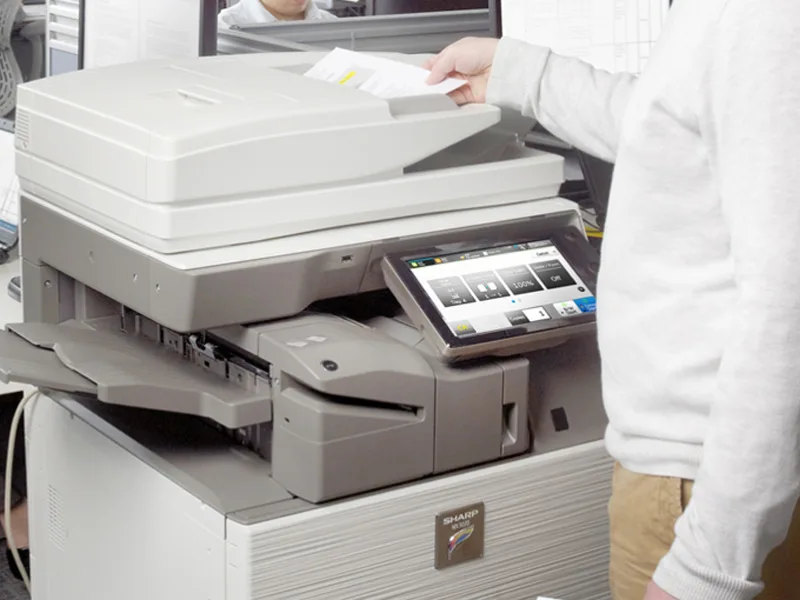
Sharp is the #1 brand for copiers in the metro Atlanta area. Call for a quote!
Learn More
Copiers
Sharp is the #1 brand for copiers in the metro Atlanta area. Call for a quote!
Learn More
 Printers
We are partnered with HP to bring you the world’s best printers at a discount.
Learn More
Printers
We are partnered with HP to bring you the world’s best printers at a discount.
Learn More
 Toner Cartridges
We manufacture toner cartridges right here in Marietta, GA. Try them out!
Learn More
Toner Cartridges
We manufacture toner cartridges right here in Marietta, GA. Try them out!
Learn More
 Equipment Repair
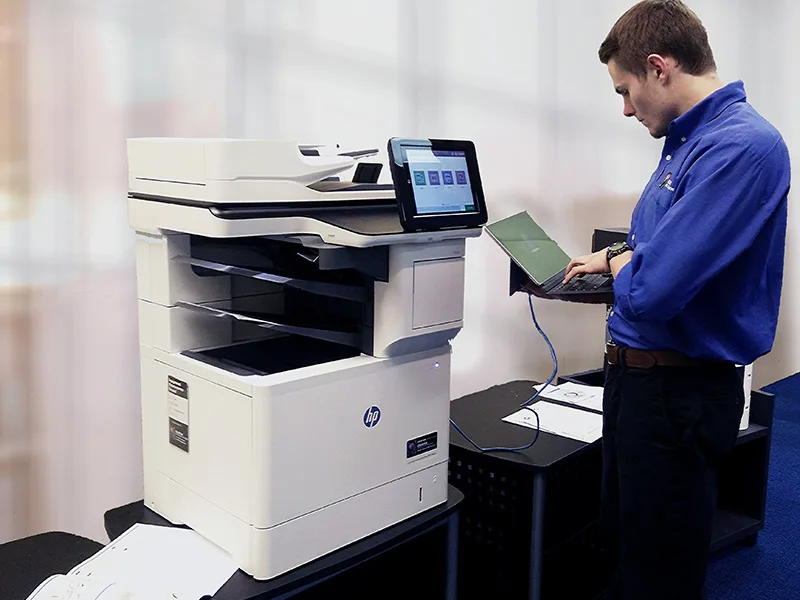
Our service department beats industry’s standards for equipment repair.
Learn More
Equipment Repair
Our service department beats industry’s standards for equipment repair.
Learn More