
What Is the Difference Between a Printer and a Copier?

The primary difference between a printer and a copier lies in their core function: a printer creates hard copies from digital files, while a traditional copier duplicates existing physical documents.
A printer acts as an output device for a computer, translating digital data (like a PDF or Word document) onto paper. A copier, in its classic form, is a standalone machine that uses a scanner to capture an image of a physical document and then prints replicas of it, without needing to connect to a computer.
However, in today’s modern office, this distinction has become blurred by the rise of the Multifunction Printer (MFP), which combines printing, copying, scanning, and faxing into one powerful hub. This is why many people use the terms “printer” and “copier” interchangeably. To truly understand the difference, it’s essential to break down each device type.
Key Differentiators: Printer vs. Copier (MFP)
For a quick overview, here’s a breakdown of the main distinctions:
|
Differentiator |
Standard Printer (Including All-in-Ones) |
Modern Office Copier (MFP) |
|
Core Design |
Digital-to-Paper: Built to receive and print digital files. |
Duplication-First: Built on a copier framework for high-volume scanning and duplication, with advanced printing added. |
|
Primary Use Case |
Printing original documents from a computer for a single user or small team. |
Serving as a central document hub for an entire department or office for printing, copying, and scanning. |
|
Speed & Volume |
Slower (15-40 PPM). Designed for low-to-moderate monthly volume (hundreds to a few thousand pages). |
Much faster (30-100+ PPM). Built for high-volume, heavy-duty work (tens of thousands of pages per month). |
|
Advanced Features |
Basic printing. Some models have a simple flatbed scanner and copy function. |
Advanced document finishing (stapling, hole-punching, booklet-making), high-capacity document feeders, robust security, multiple large paper trays. |
|
Cost Structure |
Low upfront purchase price but a high cost-per-page due to expensive, low-yield cartridges. |
High upfront cost (often leased) but a very low cost-per-page due to high-yield toner and service agreements. |
|
Network & Mgt. |
Basic network connectivity. |
Advanced network management, user tracking, security protocols, and integration with business software. |
A Deeper Dive: The Key Differences Between a Printer and a Copier
Now, let’s explore the crucial factors that separate these two essential office machines in more detail.
1. Core Functionality: Digital-First vs. Physical-First
The most fundamental difference between a printer and a copier lies in their original purpose.
- Printers: Were created to be output devices for computers. Their primary job is to take a digital file (like a Word document, PDF, or image) and translate it onto paper. While many modern printers are “All-in-One” and can scan and copy, their core architecture is optimized for printing tasks initiated from a computer.
- Copiers: Began as standalone “photocopiers” designed for one task: duplicating a physical, hard-copy document. Their strength was in their integrated scanner and printing engine working together to create replicas. Today, nearly all office copiers are Multifunction Printers/Products (MFPs) that are networked and can print from computers, but their robust design still reflects their high-volume duplication roots.
2. Speed, Volume, and Power
When comparing a printer vs a copier, speed and handling capacity are major differentiators.
- Printing Speed: A standard office printer might produce 15-40 pages per minute (PPM). A heavy-duty business copier, on the other hand, starts at around 30 PPM and can easily exceed 100 PPM for high-end models. This speed is essential for environments where large reports or multi-page documents need to be produced quickly.
- Monthly Duty Cycle: This metric indicates the maximum number of pages a device can produce in a month without damage. Printers often have a duty cycle in the hundreds or low thousands. Copiers are built for endurance, with duty cycles in the tens or even hundreds of thousands of pages, making them the clear choice for high-volume environments.
3. Cost Analysis: Upfront Price vs. Total Cost of Ownership (TCO)
The financial aspect is more complex than just the sticker price.
- Upfront Cost: Desktop printers are significantly cheaper to buy outright. You can purchase a capable office printer for a few hundred dollars. Copiers represent a much larger capital investment, often costing several thousand dollars. This is why printer leasing and copier leasing are extremely popular for business models.
- Cost-Per-Page: This is where the difference between copier and printer economics becomes clear. Printer ink and toner cartridges are small and expensive, leading to a high cost-per-page. Copiers use large, high-yield toner cartridges that result in a dramatically lower cost-per-page. Over time, for a business with significant printing needs, a copier is far more cost-effective.
4. Advanced Features and Finishing Capabilities
Modern office copiers are complete document production centers. While an All-in-One printer might scan and copy, a copier offers a suite of professional features:
- Document Finishing: Stapling, hole-punching, saddle-stitching (for booklets), and C/Z-folding.
- Advanced Scanning: High-capacity automatic document feeders (ADFs), optical character recognition (OCR) to create editable text, and scan-to-email/folder/cloud capabilities.
- Robust Security: User authentication, hard drive encryption, and secure print release to protect sensitive information.
- Paper Handling: Multiple large-capacity paper trays that can hold different sizes and types of paper simultaneously (e.g., letter, legal, cardstock).
Purpose as the Deciding Factor: Which One Do You Need?
Ultimately, the choice in the printer vs copier debate comes down to your specific needs.
You should choose a PRINTER if:
- You have a small office or home office with low printing volume.
- Your primary need is printing digital files.
- Upfront cost is your main concern and your page volume is low.
- You have limited physical space.
You should choose a COPIER (MFP) if:
- You have a medium to large office with multiple users and high-volume needs.
- You frequently need to duplicate, scan, and distribute multi-page physical documents.
- Lowering your long-term cost-per-page is a priority.
- You require advanced features like booklet-making, stapling, and enhanced security.
Creative Office Solutions: Your Partner in Document Management
Navigating the intricate landscape of office technology can be challenging. Now that you understand the difference between a printer and a copier, the next step is finding the perfect device tailored to your workflow and budget.
At Creative Office Solutions, we specialize in analyzing your unique business requirements to recommend the ideal solution. Whether you need a high-speed printing fleet or a single multifunction copier with advanced features, our team is dedicated to providing expert guidance. We simplify the process of acquiring and managing your office equipment, ensuring you get a solution that boosts productivity and controls costs.
For personalized guidance on leased printers or high-volume copiers, consider reaching out to Creative Office Solutions. Let us be your guide to finding the perfect match for your business needs.

“Creative Office Solutions came to our office to install a new copier machine. Excellent experience! Professional, communicative, and ensured they met our expectations.”
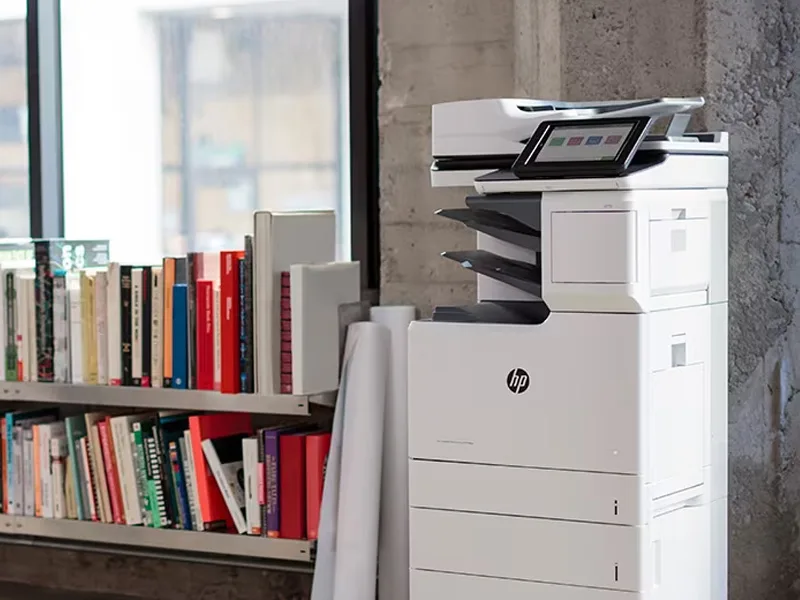 Copiers
Sharp is the #1 brand for copiers in the metro Atlanta area. Call for a quote!
Learn More
Copiers
Sharp is the #1 brand for copiers in the metro Atlanta area. Call for a quote!
Learn More
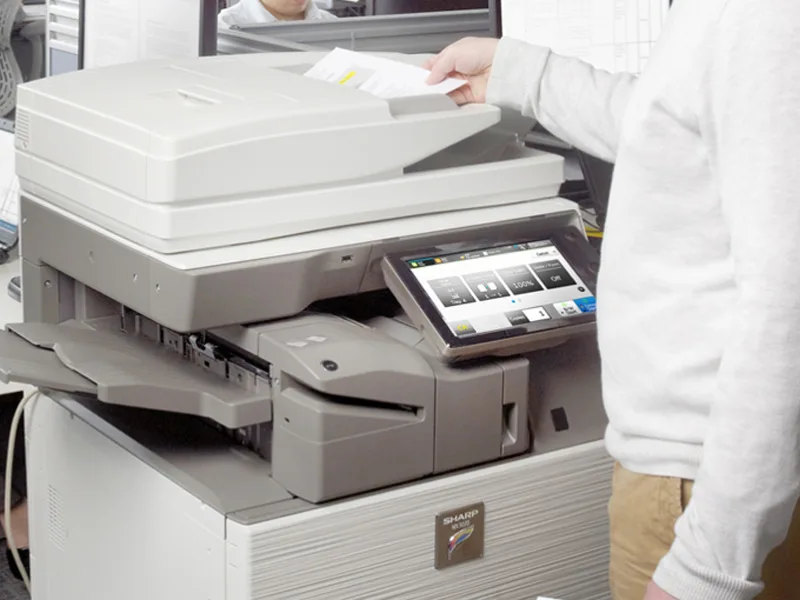 Printers
We are partnered with HP to bring you the world’s best printers at a discount.
Learn More
Printers
We are partnered with HP to bring you the world’s best printers at a discount.
Learn More
 Toner Cartridges
We manufacture toner cartridges right here in Marietta, GA. Try them out!
Learn More
Toner Cartridges
We manufacture toner cartridges right here in Marietta, GA. Try them out!
Learn More
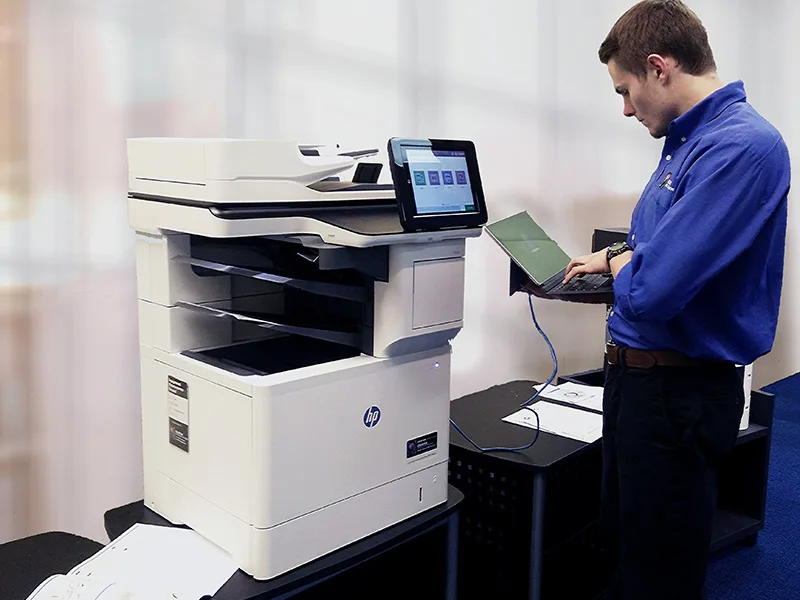 Equipment Repair
Our service department beats industry’s standards for equipment repair.
Learn More
Equipment Repair
Our service department beats industry’s standards for equipment repair.
Learn More